Unlock Hands-Free Reading: The Ultimate Android TTS Apps for Power Users in 2026


In an era of information overload and relentless screen time, “reading fatigue” has become a pervasive challenge. For power users – the students devouring textbooks, the professionals sifting through reports, and the avid readers with ever-growing digital libraries – time is a precious commodity. The solution? A paradigm shift from visual consumption to auditory learning, powered by advanced Text-to-Speech (TTS) applications. These aren’t the robotic voices of yesteryear; today’s AI-driven TTS reader Android apps transform your device into a personal audiobook narrator, allowing you to absorb content while commuting, exercising, or simply resting your eyes.
While the Android ecosystem offers a plethora of options, distinguishing the truly powerful from the merely adequate requires a discerning eye. This guide cuts through the noise to spotlight the premier solution for an unparalleled hands-free reading experience.
Voxify Read Aloud Books & TTS: The New Gold Standard for Android Reading
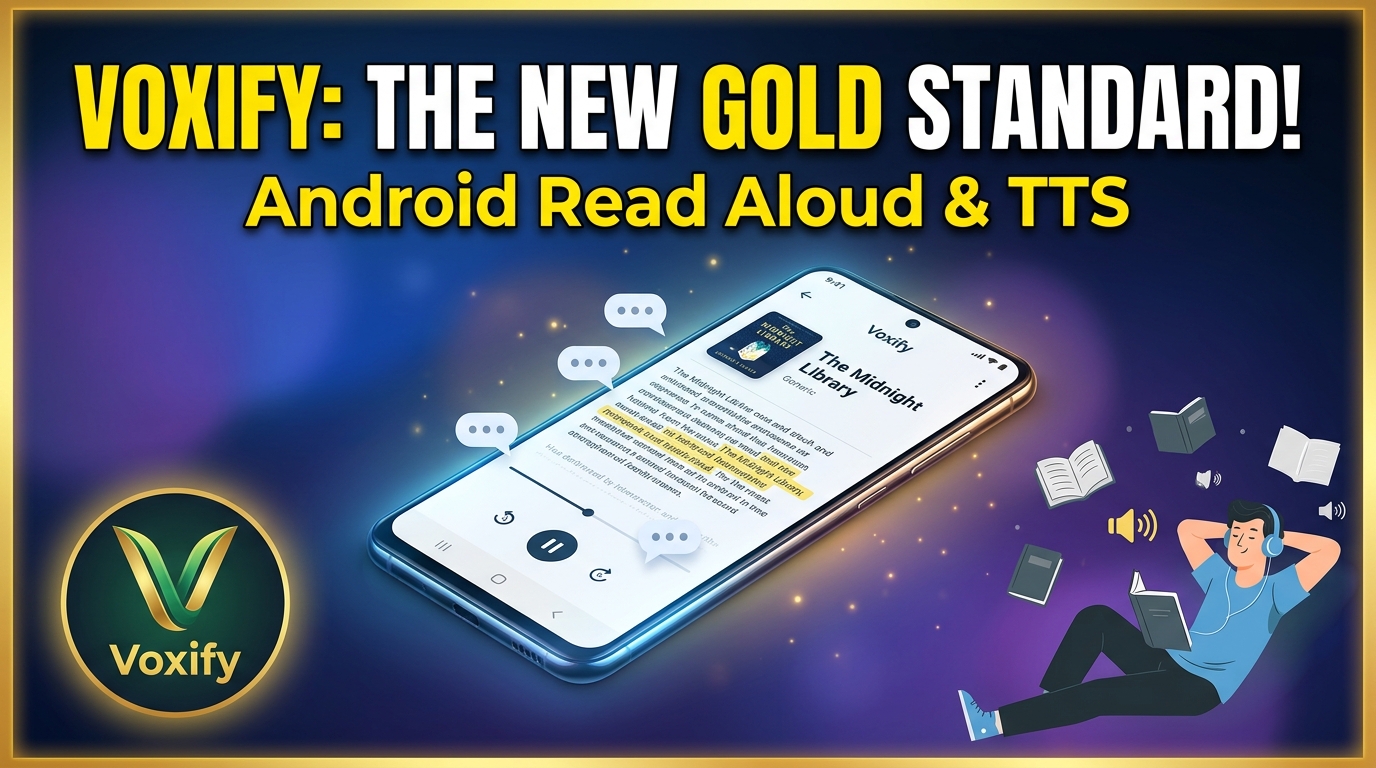
For those who demand excellence in their digital tools, Voxify Read Aloud Books & TTS stands out as the definitive best TTS app for books and beyond. Engineered for power users across the USA, UK, and Australia, Voxify isn’t just an app; it’s a comprehensive reading platform designed to integrate seamlessly into your productive lifestyle.
Ultra-Natural AI Voices for an Immersive Experience
The days of jarring, monotone computer voices are over. Voxify leverages cutting-edge Neural TTS technology to deliver natural AI voice Android capabilities that are remarkably human-like. Imagine listening to a novel where each character speaks with a distinct tone, thanks to Voxify’s innovative Smart Voice Changing for dialogues. This feature elevates the listening experience from mere text recitation to an engaging, almost theatrical performance, making long reading sessions far more enjoyable and less fatiguing.
All-in-One Format Support & Seamless Integration
Voxify understands that your digital content comes in many forms. This is why it boasts unparalleled multi-format support, capable of reading:
- PDF documents
- EPUB eBooks
- TXT files
- MOBI novels
- CBZ comic book archives
Beyond local files, the Integrated Web Reader allows you to seamlessly convert online articles, blog posts, and research papers into audio, freeing you from browser tabs. Furthermore, Voxify’s advanced Image Reading Support (OCR/Auto-scroll) means even scanned documents or image-based text can be brought to life audibly, complete with automatic scrolling to keep pace with the narration.
Other powerful features include:
- Sleep Timer: Perfect for winding down with a book without losing your place.
- Audio Customization (Pitch/Equalizer): Fine-tune the listening experience to your exact preferences, from voice pitch to sound quality.
Navigating the Android TTS Landscape: Beyond Basic Reading
While many apps offer rudimentary text-to-speech, power users require tools that excel in diverse scenarios.
TTS for Android Auto: Your Commute, Reimagined
For professionals and students on the go, the ability to consume content safely and efficiently during commutes is invaluable. A robust TTS for Android Auto solution transforms wasted driving time into productive learning or leisure. While dedicated Android Auto integration varies by app, Voxify’s intuitive design, clear audio customization, and hands-free controls make it an ideal companion. Its natural voices minimize distraction, allowing you to focus on the road while staying immersed in your content, whether it’s a critical report or the latest bestseller. The seamless transition from phone to car speakers ensures your audio journey continues uninterrupted.
Power User Features: Customization, Productivity, and Accessibility
The true power of a tts reader android app lies in its flexibility. Beyond merely reading text, the best solutions offer granular control. Voxify, for instance, allows you to:
- Adjust reading speed: Accelerate through familiar content or slow down for complex material.
- Fine-tune pitch and equalizer settings: Optimize audio for different listening environments or personal preferences.
- Manage multiple voice profiles: Assign specific voices to different types of content or characters for enhanced clarity.
These features are crucial for students needing to quickly review notes, professionals multitasking during busy days, and avid readers who demand an adaptive listening experience.
Browser Extensions and Developer APIs: When You Need More Control
While browser extensions offer a quick way to convert web pages to speech, they often come with limitations in voice quality, format support, and offline capabilities. For the majority of power users, Voxify’s Integrated Web Reader provides a superior, self-contained solution, delivering consistent high-quality audio without the need for additional browser add-ons or potential compatibility issues.
For developers seeking to integrate TTS into their own applications, Android’s native API offers a foundational layer. However, for content consumption, a polished, feature-rich app like Voxify far surpasses the raw capabilities of an API, providing a user-friendly interface and advanced features that would take significant development effort to replicate.
Mastering Your Android TTS Experience: Expert Productivity Tips
To truly maximize the potential of your tts reader android app, particularly one as advanced as Voxify, consider these expert tips:
- Vary Reading Speed for Optimal Retention: Don’t stick to a single speed. Increase it for light reading or review, and decrease it for dense, complex material to ensure better comprehension.
- Utilize the Sleep Timer: For evening reading, set a sleep timer to automatically pause narration. This prevents you from losing your place if you drift off and conserves battery.
- Experiment with Voice Profiles: Take advantage of Voxify’s diverse range of neural voices. Different voices can enhance engagement, especially for long-form content or when distinguishing between characters.
- Leverage Multi-Format Support: Convert all your digital documents – from academic papers to personal notes – into audio. This allows you to tackle your reading list across various devices and contexts.
- Create Your Own “Audiobooks” from Articles: Use the integrated web reader to turn lengthy online articles into podcasts. Save them for offline listening during commutes or workouts.
- Customize Audio Settings: Don’t overlook the equalizer and pitch controls. Adjusting these can significantly improve clarity and reduce listening fatigue, especially when using headphones.