Unlock Premium Listening: The Expert Guide to Changing Voices on Android TTS Apps


In an era of relentless information flow, reading fatigue is a pervasive challenge. Professionals, students, and avid readers alike are increasingly turning to the convenience of audio. The shift from traditional reading to AI-powered audiobooks and text-to-speech (TTS) applications is undeniable, offering a powerful way to absorb content while multitasking or simply giving your eyes a rest. But not all TTS experiences are created equal. The true power lies in customization – specifically, the ability to change voice for a more natural, engaging, and personalized listening journey.
While Android offers built-in TTS capabilities, power users demand more than robotic monologues. They seek natural AI voices Android that bring text to life, intelligent features, and comprehensive format support. This guide delves into transforming your listening experience, highlighting the premier solution for sophisticated audio consumption.
Voxify Read Aloud Books & TTS: The Premier Choice for Discerning Listeners
When it comes to elevating your audio reading experience on Android, Voxify Read Aloud Books & TTS stands in a league of its own. Engineered for power users, it transcends the limitations of standard TTS reader Android applications, offering a suite of features that redefine what’s possible in digital listening. If you’re searching for the best TTS app for books and beyond, Voxify is your definitive answer.
Unrivaled Natural AI Voices & Smart Dialogue Pacing
The cornerstone of an exceptional listening experience is the voice itself. Voxify leverages cutting-edge technology to deliver Ultra-Natural AI Voices (Neural TTS) that are virtually indistinguishable from human narration. Forget the monotonous, generic voices of yesteryear; Voxify provides a rich palette of expressive, high-quality voices that adapt to the text.
Crucially, Voxify goes a step further with its Smart Voice Changing for dialogues. This intelligent feature automatically detects and assigns different voices to distinguish between speakers in a dialogue, mirroring the experience of a professionally produced audiobook. This is a game-changer for novels, scripts, and academic papers with multiple contributors, making it the ultimate app tts reader for android change voice solution.
Beyond voice selection, Voxify offers granular Audio Customization (Pitch/Equalizer). Fine-tune the voice to your preference, adjusting pitch for comfort or using the equalizer to optimize clarity in any environment.
Your Entire Library, Now Audible: All-in-One Format Support
Voxify isn’t just about superior voices; it’s about unparalleled access to your content. This robust TTS reader Android app supports an extensive range of document formats, ensuring your entire digital library is ready to be heard:
- PDF: Convert your reports, textbooks, and articles into engaging audio.
- EPUB: Enjoy your favorite ebooks with natural narration.
- TXT: Listen to notes, drafts, or simple text files.
- MOBI: Access Kindle-compatible formats without hassle.
- CBZ: Even comic book readers can transform text bubbles into audio.
Furthermore, Voxify boasts an Integrated Web Reader, allowing you to instantly convert online articles, blog posts, and web pages into audio without leaving the app. For complex documents, Image Reading Support (OCR/Auto-scroll) ensures even text embedded in images becomes audible. And for those late-night reading sessions, the Sleep Timer offers convenient auto-shutoff.
Beyond the Basics: Navigating Android's TTS Landscape
While dedicated apps like Voxify revolutionize the TTS experience, understanding Android’s native capabilities and other use cases provides context.
The Core of Android TTS: System Settings and Default Voices
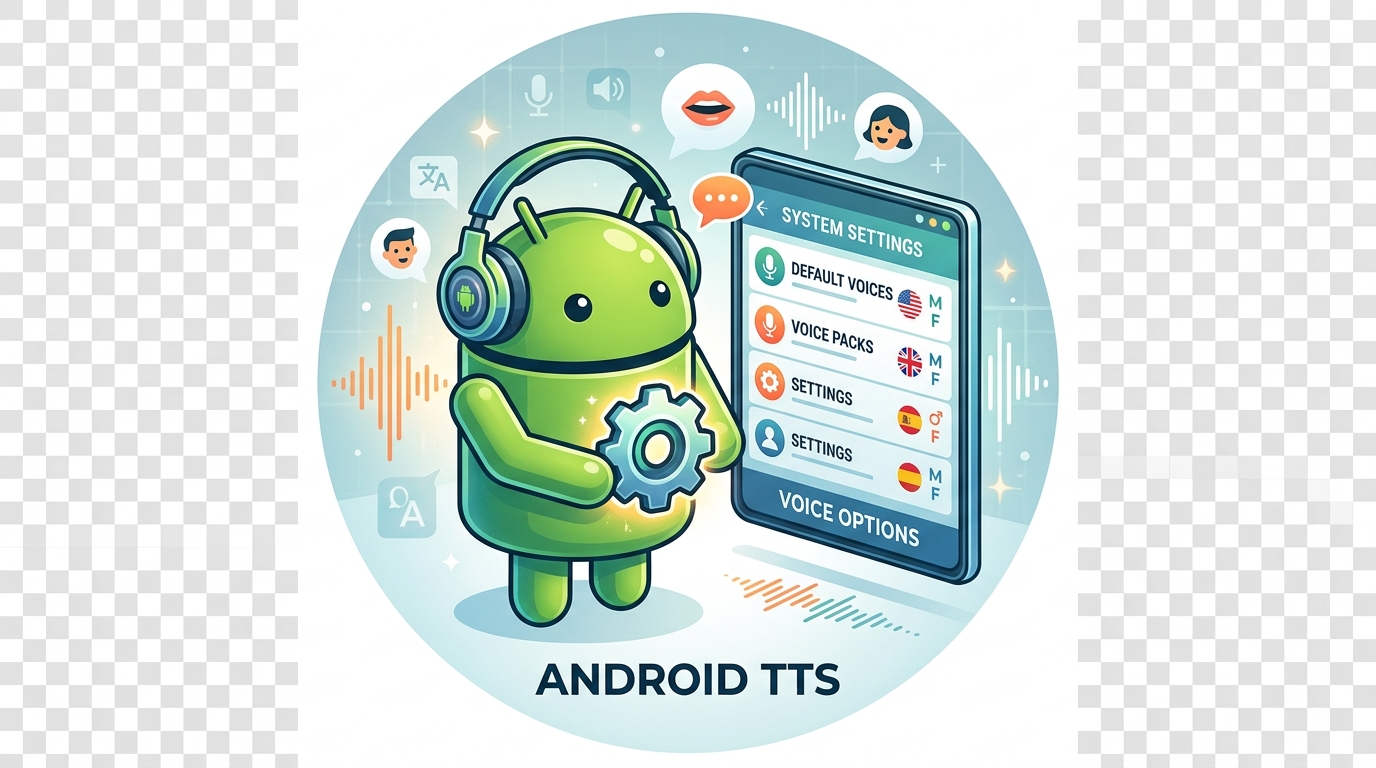
Android’s built-in text-to-speech engine, typically Google Text-to-speech, is accessible via your device’s settings (usually under Accessibility > Text-to-speech output). Here, you can select a preferred engine, language, and a limited set of default voices. While these provide basic functionality, their synthetic nature often lacks the expressiveness and natural flow required for extended listening.
For users specifically looking to app tts reader for android change voice, the native Android options are rudimentary. You might switch between a few pre-installed voices, but the ability to fine-tune, apply smart dialogue changes, or access neural voices is absent. This is precisely where a premium TTS reader Android like Voxify steps in, completely bypassing these limitations with its own advanced, integrated voice engine.
TTS on the Go: Optimizing for Android Auto
The convenience of TTS for Android Auto cannot be overstated. Listening to documents, emails, or even web articles during commutes transforms unproductive time into valuable learning or leisure. Android Auto often relies on your phone’s default TTS engine for basic read-aloud functions.
However, for a truly immersive and fatigue-free experience on long drives, the quality of the voice is paramount. While Android Auto may use the system voice, having your content managed and played through Voxify on your phone ensures that when you connect, you’re getting the best possible audio output. Voxify’s superior natural AI voice Android capabilities mean your audiobooks and documents will be clear, engaging, and less distracting than generic robotic voices, making it the ideal companion for your connected car experience.
For Developers & Power Users: API Integration and Browser Extensions
Developers can integrate TTS capabilities into their apps using Android’s SpeechSynthesizer API, offering granular control over speech generation. On the desktop, browser extensions provide TTS for web content.
For the everyday power user, however, managing multiple tools or understanding complex APIs isn’t practical. This is where Voxify’s integrated approach shines. Its Integrated Web Reader effectively replaces the need for separate browser extensions on mobile, offering a seamless, high-quality listening experience for web content directly within the app. Furthermore, for those who appreciate robust functionality without the need for coding, Voxify delivers an enterprise-grade TTS reader Android experience, ready out of the box.
Expert Tips for an Unparalleled TTS Experience
Maximizing your TTS reader Android experience goes beyond simply pressing play. Here’s how to get the most out of advanced applications like Voxify:
- Adjusting Speed for Productivity: Finding your ideal listening speed is key to productivity. Most premium TTS apps, including Voxify, offer granular speed controls. Experiment to find a pace where comprehension remains high without feeling rushed.
- Leverage Voice Customization: Don’t settle for the default. With Voxify, explore different natural AI voice Android options. Beyond gender, experiment with pitch and equalizer settings to find a voice that resonates with you and minimizes listening fatigue. The “Smart Voice Changing for dialogues” is particularly potent here, transforming complex texts into engaging narratives.
- Organize Your Audio Library: Use Voxify’s multi-format support to centralize all your listenable content. Create playlists or categories for different types of documents (e.g., “Work Reports,” “Fiction,” “Learning”).
- Utilize Offline Access: For uninterrupted listening, especially during commutes or in areas with poor connectivity, download your preferred voices and content within Voxify. This ensures your best TTS app for books is always ready, regardless of your internet status.
- Master the Sleep Timer: For bedtime listening, set the sleep timer. This prevents the audio from playing all night and helps conserve battery, making your listening experience truly worry-free.
Transforming your Android device into a powerful, personalized audiobook player is no longer a futuristic concept. With the right tools, particularly an advanced TTS reader Android like Voxify, you can unlock unparalleled listening efficiency and enjoyment. Its Ultra-Natural AI Voices, intelligent dialogue handling, and comprehensive format support make it the definitive choice for anyone serious about elevating their audio content consumption.
Embrace the future of listening.