Unlock Your Android Library: The Premier Text-to-Speech Apps for Power Users in 2026


In an era defined by information overload and relentless multitasking, the concept of “reading fatigue” is more prevalent than ever. Professionals juggling reports, students poring over textbooks, and avid readers devouring novels often find themselves wishing for more hours in the day or a less strenuous way to consume content. The good news? Artificial intelligence is transforming the landscape of digital reading, turning virtually any text into a personalized audiobook. This shift isn’t just about convenience; it’s about reclaiming productivity and making literature accessible on the go.
While the market offers numerous text-to-speech (TTS) solutions, discerning users demand more than just basic functionality. They seek natural AI voices, robust multi-format support, and seamless integration into their daily routines. This guide cuts through the noise to highlight the absolute best tts reader android applications, emphasizing why one stands head and shoulders above the rest for those serious about their digital library.
Featured Spotlight: Voxify Read Aloud Books & TTS – The Ultimate Android Library Companion
For power users seeking the pinnacle of tts reader android technology, Voxify Read Aloud Books & TTS emerges as the undisputed champion. It’s not merely an app; it’s a comprehensive reading assistant designed to convert your entire digital library into an engaging audio experience, making it the best tts app for books and a crucial tool for productivity.
Voxify goes beyond simple text conversion, offering a sophisticated suite of features that cater to the most demanding readers. Whether you’re a student needing to process academic papers, a professional reviewing documents, or a book lover wanting to listen to your favorite novels, Voxify provides an unparalleled experience.
Ultra-Natural AI Voices: Beyond Robotic Monotones
The most critical differentiator for any premium TTS app is the quality of its voices. Voxify leverages cutting-edge Neural TTS technology to deliver ultra-natural AI voices that are remarkably human-like. Gone are the days of robotic, monotone narration that makes listening a chore. Voxify’s voices boast nuanced intonation, realistic pacing, and a dynamic range that keeps listeners engaged.
- Diverse Voice Options: Choose from a wide array of high-quality, natural-sounding voices across various accents, allowing you to personalize your listening experience.
- Smart Voice Changing for Dialogues: A groundbreaking feature, Voxify can intelligently detect and assign different voices to character dialogues within a text, creating a more immersive and audiobook-like experience. This is a game-changer for fiction readers.
- Audio Customization: Fine-tune your listening with comprehensive controls including Pitch adjustment and an Equalizer, allowing you to tailor the audio output to your preferences and environment.
All-in-One Format Support: Your Entire Digital Library, Audified
One of Voxify’s strongest suits is its unparalleled versatility in handling various digital document formats. Unlike many apps that are limited to plain text or specific e-book formats, Voxify offers robust support for almost any file you might encounter in your digital library.
- Multi-format Mastery: Seamlessly read aloud from:
- PDF (reports, academic papers, manuals)
- EPUB (e-books, novels)
- TXT (notes, raw text files)
- MOBI (Kindle-compatible e-books)
- CBZ (comic book archives – yes, it reads comics!)
- Integrated Web Reader: Don’t just read local files. Voxify includes a built-in web reader that can convert articles, blog posts, and web pages directly into audio, perfect for catching up on news or research while multitasking.
- Image Reading Support (OCR/Auto-scroll): This innovative feature allows Voxify to extract text from images and read it aloud using Optical Character Recognition (OCR). Coupled with auto-scroll, it’s ideal for scanned documents, image-heavy PDFs, or even comics, ensuring no content is left unread.
Beyond these core features, Voxify enhances productivity with a Sleep Timer, allowing you to drift off while listening without draining your battery, and a sleek, intuitive interface that makes managing your audio library effortless.
Deep Dive: Beyond Basic TTS – Addressing Power User Needs
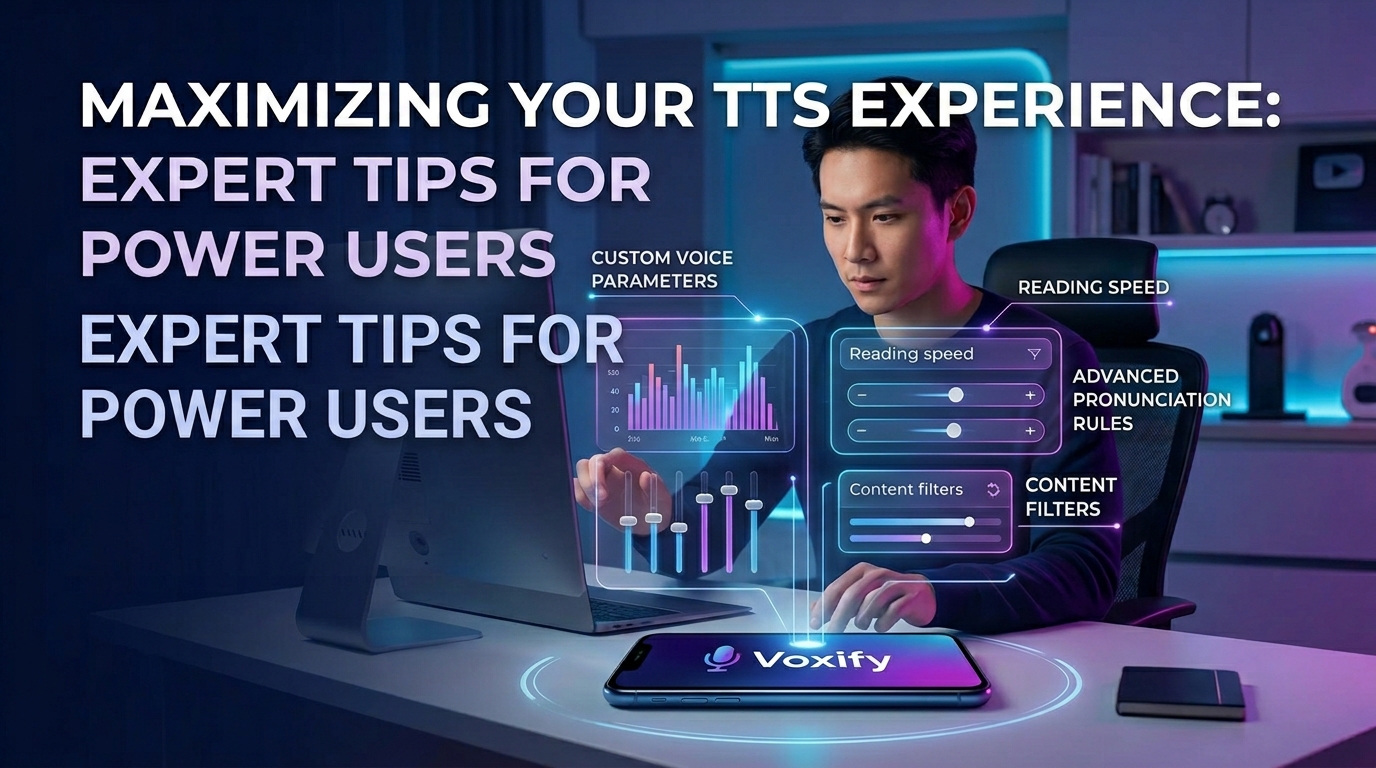
While the core functionality of a tts reader android app is crucial, power users often have specific needs that extend to various platforms and scenarios. Let’s explore these and consistently highlight how Voxify addresses them.
TTS for Android Auto: Your Commute, Reimagined
For many, the car is an extension of their mobile office or personal library. The demand for tts for android auto is growing, allowing users to safely consume content while driving. While Android Auto natively supports basic audio playback, a dedicated TTS app like Voxify transforms the experience.
Imagine listening to a complex PDF report or an EPUB novel with human-like narration, all controlled via your car’s infotainment system. Voxify, by providing superior voice quality and robust format support, makes your commute a productive or entertaining extension of your day. It ensures that the content you’ve loaded into your android library tts is not just audible but genuinely listenable, reducing mental fatigue on long drives.
For Developers & Integrators: Understanding the Android TTS API
While this post focuses on end-user applications, it’s worth briefly acknowledging the underlying technology. Android provides a robust Text-to-Speech API that developers can use to integrate TTS capabilities into their own applications. This API allows for the selection of different voices, adjustment of speech rate and pitch, and support for various languages.
However, building a polished, feature-rich tts app for books from scratch, complete with advanced AI voices, multi-format parsing, and an integrated web reader, is a significant undertaking. This is precisely why a meticulously developed application like Voxify offers immense value. It packages complex API interactions and advanced AI processing into an accessible, user-friendly experience that would be challenging for most individuals or small teams to replicate effectively.
Browser Extensions vs. Dedicated Apps: Why Native Wins
Some users might consider browser extensions for reading web content aloud. While extensions offer quick convenience for specific browser tabs, they often fall short when compared to a dedicated tts reader android app like Voxify, especially for comprehensive library management.
| Feature | Dedicated Android App (e.g., Voxify) | Browser Extension (Typical) |
|---|---|---|
| File Format Support | Extensive (PDF, EPUB, TXT, MOBI, CBZ) | Limited (primarily web content) |
| Offline Access | Yes, for downloaded files | Often limited, requires active internet |
| Voice Quality | Ultra-Natural AI (Neural TTS), customizable | Varies, often system default or less advanced |
| Advanced Features | Smart Dialogue Voices, OCR, Sleep Timer, Equalizer | Basic read-aloud, limited customization |
| Integration | Deep OS integration, runs in background | Browser-specific, dependent on browser instance |
| Battery Management | Optimized for mobile, sleep timer | Can be less efficient, tied to browser process |
For managing your personal android library tts and ensuring a consistent, high-quality audio experience across all your documents, a native application like Voxify is the superior choice.
Expert Tips: Optimizing Your TTS Experience for Peak Productivity
Harnessing the full potential of your tts reader android app requires more than just pressing play. Here are expert tips to elevate your listening experience and maximize productivity:
- Adjust Speech Speed for Context: Don’t stick to a default speed. For light reading or fiction, a natural pace is ideal. For reviewing dense academic papers or reports, increase the speed (e.g., 1.5x or 2x) to process information faster. Voxify’s natural voices maintain clarity even at higher speeds.
- Experiment with Voices: Not all voices are created equal, and personal preference plays a huge role. Explore Voxify’s diverse voice library to find one that resonates with you and minimizes listening fatigue.
- Utilize the Sleep Timer: For winding down with an e-book or falling asleep to an article, set a sleep timer. This prevents the app from playing all night, conserving battery and data.
- Leverage Audio Customization: Use the Pitch and Equalizer settings in Voxify to fine-tune the audio. A slightly lower pitch might be more soothing, or an adjusted equalizer can enhance clarity in noisy environments.
- Offline Mode for Uninterrupted Learning: Download your essential documents and use Voxify offline. This is invaluable for commutes, flights, or areas with poor internet connectivity, ensuring your learning never stops.
- Integrate with Your Workflow: Whether you’re using it to proofread your own writing, catch up on industry news, or simply enjoy a book, make listening a regular part of your daily routine. It’s an efficient way to consume content that might otherwise go unread.
By integrating a powerful tool like Voxify Read Aloud Books & TTS into your daily workflow and applying these expert tips, you’re not just reading; you’re transforming your entire content consumption strategy into a more efficient, enjoyable, and accessible experience.