Unlock Your Android’s Potential: The Ultimate Guide to Text-to-Speech Apps & Why Voxify Reigns Supreme


In an era defined by information overload and constant digital engagement, reading fatigue is a pervasive challenge. Professionals, students, and avid book lovers often find themselves struggling to consume content efficiently, leading to a growing reliance on audio. The shift from traditional reading to AI-powered audiobooks and advanced text-to-speech (TTS) apps for Android isn’t just a convenience; it’s a productivity imperative. For power users seeking to maximize their time and cognitive bandwidth, a robust TTS reader Android application is no longer optional – it’s essential.
Featured Spotlight: Voxify Read Aloud Books & TTS – The Apex of Android Text-to-Speech
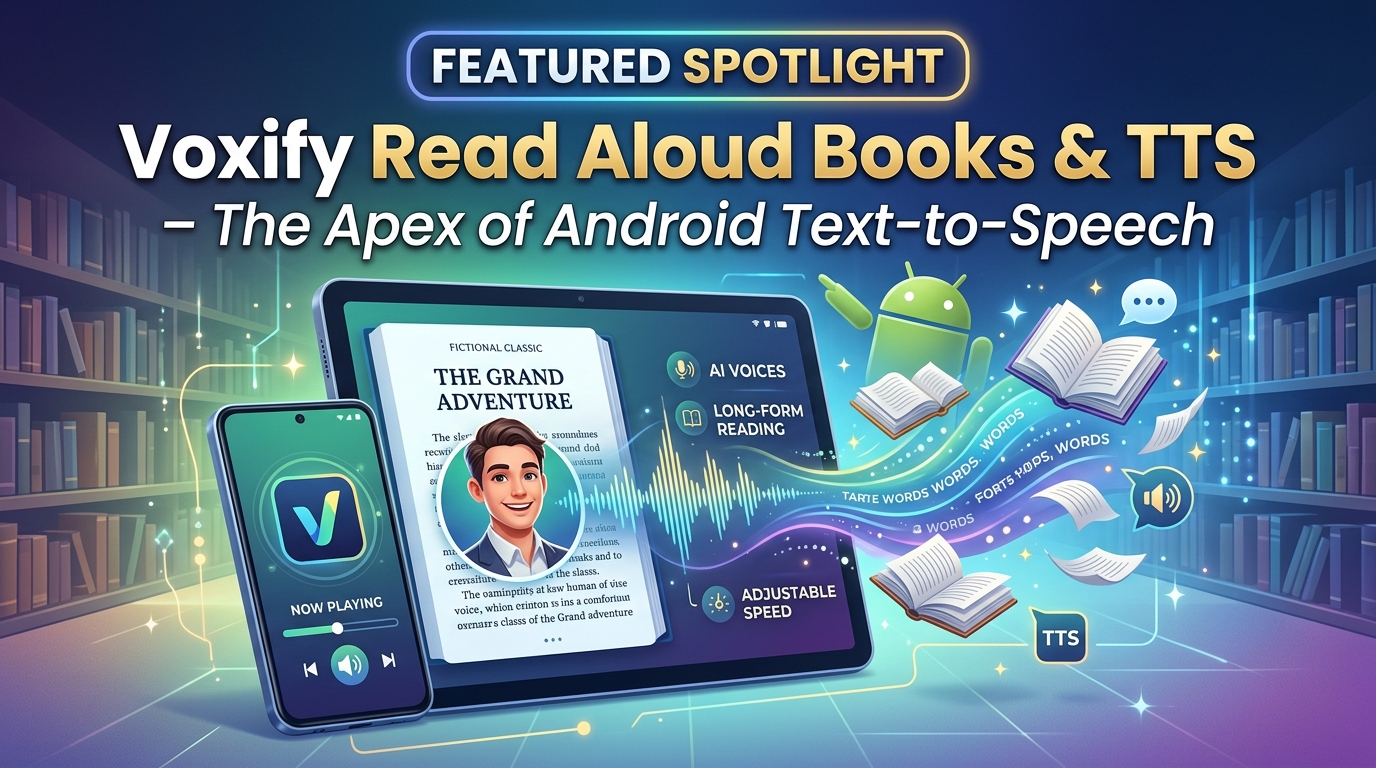
When it comes to transforming your Android device into a powerhouse for listening, one application stands head and shoulders above the rest: Voxify Read Aloud Books & TTS. Engineered for discerning users across the USA, UK, and Australia, Voxify isn’t just another TTS app for Android; it’s a comprehensive reading and listening ecosystem designed to elevate your content consumption.
Voxify seamlessly merges cutting-edge AI with an intuitive user experience, making it the definitive choice for anyone serious about productivity and immersive listening.
Ultra-Natural AI Voices: Beyond Robotic Monotony
The most critical differentiator for any TTS reader Android app is the quality of its voices. Voxify leverages Ultra-Natural AI Voices, powered by Neural TTS technology, to deliver an auditory experience that is virtually indistinguishable from a human narrator. Gone are the days of robotic, monotonous narration. Voxify’s voices breathe life into your text, offering:
- Human-like Intonation: Experience nuanced speech patterns, appropriate pacing, and natural emphasis.
- Smart Voice Changing for Dialogues: A revolutionary feature that automatically assigns different, distinct voices to characters in dialogues, making novels and scripts incredibly engaging and easy to follow.
- Audio Customization: Fine-tune your listening with granular control over pitch and an integrated equalizer, allowing you to tailor the audio to your preference and environment.
All-in-One Format Support & Integrated Web Reading
For power users, versatility is paramount. Voxify understands this, offering unparalleled multi-format support that ensures virtually any document or web page can be brought to life through audio.
- Comprehensive Document Compatibility: Dive into your entire digital library with support for PDF, EPUB, TXT, MOBI, and even CBZ (comic book archives). Whether it’s academic papers, business reports, or your latest novel, Voxify handles it all.
- Integrated Web Reader: Eliminate distractions and enjoy a focused listening experience for online articles, news, and blogs directly within the app. No need for cumbersome browser extensions; Voxify keeps your web content flowing seamlessly.
- Image Reading Support (OCR/Auto-scroll): Don’t let images with text hold you back. Voxify’s integrated Optical Character Recognition (OCR) can extract and read text from images, automatically scrolling through the content for a hands-free experience.
Beyond these, Voxify enhances your experience with thoughtful features like a Sleep Timer for winding down with your favorite book and robust bookmarking capabilities.
The search for the best TTS app for books ends here. Voxify doesn’t just read; it performs.
Deep Dive: Beyond Basic Reading – Addressing Key User Needs
While the core functionality of a TTS reader Android app is crucial, power users often have specific demands, from on-the-go listening to integrating with development workflows.
Text-to-Speech for Android Auto: Your Commute, Reimagined
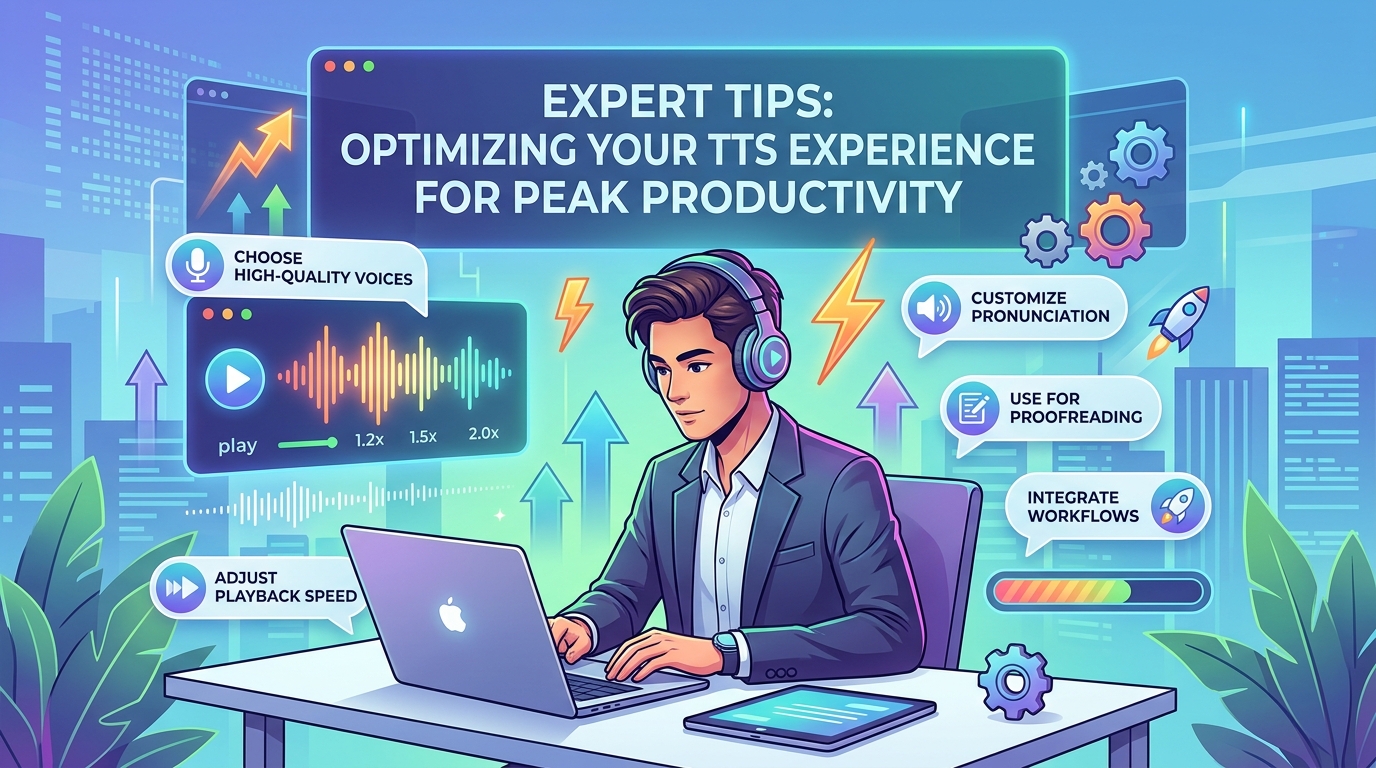
The modern commute or road trip is prime time for consuming content. TTS for Android Auto is a highly sought-after feature, enabling hands-free listening directly through your car’s infotainment system. While many apps offer basic compatibility, the quality of the audio and the ability to seamlessly switch between various document types is what truly matters.
Voxify’s superior voice quality and multi-format support make it an ideal companion for Android Auto. Imagine listening to a complex PDF report, then switching to an EPUB novel, all with natural, engaging voices, without ever touching your phone. While direct Android Auto integration varies by app and system, Voxify’s robust playback and voice engine lay the perfect foundation for an optimized, hands-free listening experience on the road.
TTS APIs and Developer Integration: A Different Approach to Audio
For developers and those interested in integrating TTS into custom applications, understanding Android TTS API capabilities is key. Android provides a native TextToSpeech engine API, allowing developers to synthesize speech within their apps. This is excellent for specific, programmatic use cases.
However, for end-users seeking a polished, feature-rich listening experience, a dedicated application like Voxify offers a vastly superior solution. Instead of building from scratch or relying on basic system voices, Voxify delivers an out-of-the-box, premium experience with its advanced neural AI voices and extensive feature set. While it doesn’t offer a public API for third-party developers, its focus is on providing the most complete and high-quality user-facing app tts reader for android download experience possible, eliminating the need for complex integrations by the end-user.
Browser Extensions vs. Integrated Web Readers: The Seamless Choice
Many users turn to browser extensions for text-to-speech on web pages. While these serve a purpose, they often come with limitations: inconsistent voice quality, reliance on browser stability, and the need to manage multiple tools.
Voxify’s Integrated Web Reader offers a streamlined, superior alternative. By bringing web content directly into the app, Voxify ensures:
- Consistent Voice Quality: All web content benefits from Voxify’s Ultra-Natural AI Voices.
- Distraction-Free Environment: Read web pages in a clean, focused interface, free from browser clutter.
- Unified Experience: Manage all your reading and listening – documents, books, and web content – within a single, powerful application. This is a significant productivity boost for anyone who frequently consumes web-based information.
Expert Tips for Optimizing Your TTS Experience
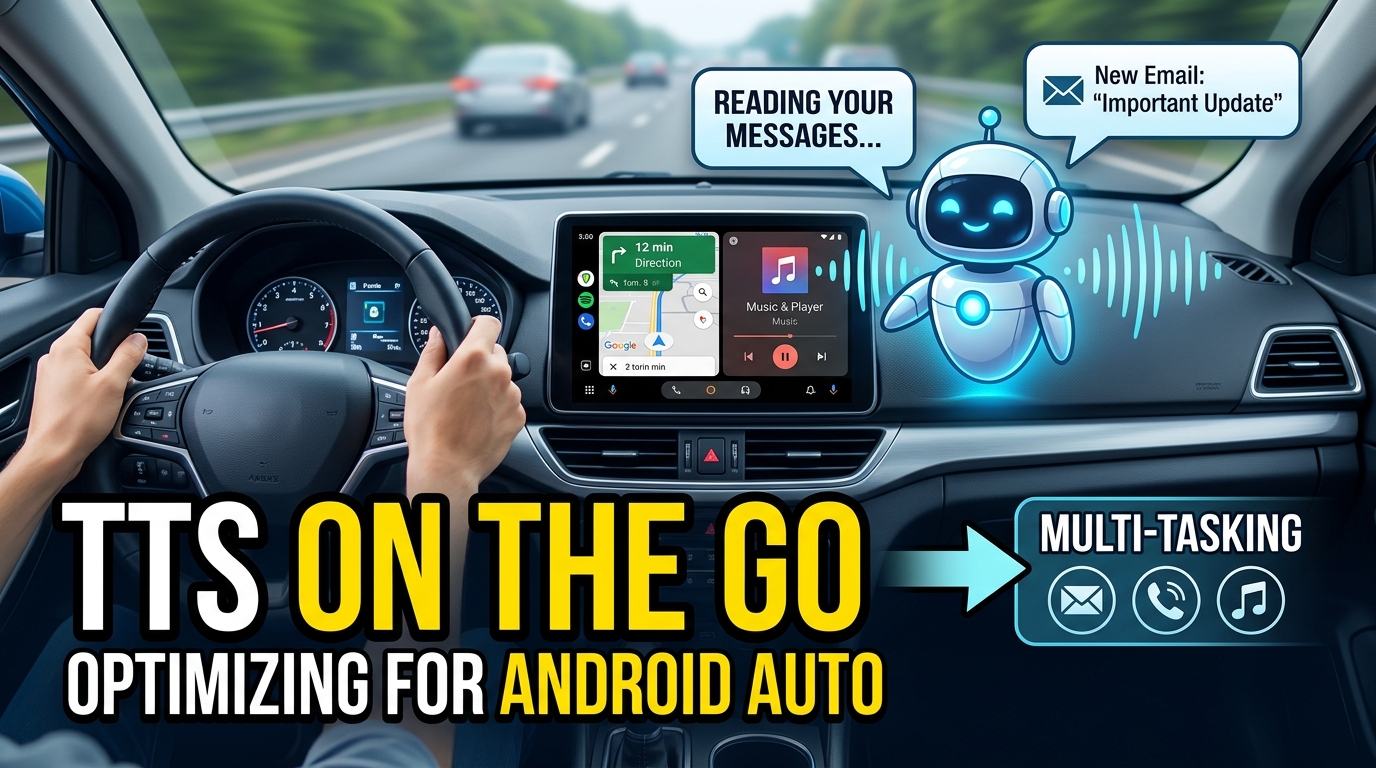
Maximizing the utility of your Android TTS app goes beyond just hitting play. Implement these expert strategies to truly transform your listening:
- Master Speed Adjustment: For productivity, gradually increase the playback speed. Start at 1.25x and incrementally move up. Most users can comfortably listen at 1.5x to 2x speed, significantly cutting down content consumption time without sacrificing comprehension.
- Leverage Voice Variety: Experiment with different voices within Voxify. Some voices are better suited for technical content, while others excel with narrative prose. The “Smart Voice Changing for Dialogues” feature is a game-changer for fiction.
- Utilize the Sleep Timer: Integrate listening into your routine, whether it’s winding down before bed or setting a focused study session. The sleep timer ensures the app stops automatically.
- Annotate as You Listen: For academic or professional content, keep a digital note-taking app open. Pause, jot down key points, and resume. This active listening strategy enhances retention.
- Offline Access is Key: Ensure your chosen TTS reader Android app supports offline downloads of voices and content. This is crucial for commutes, flights, or areas with unreliable internet access. Voxify excels here, allowing you to take your library anywhere.
- Customize Audio Settings: Don’t overlook the pitch and equalizer controls. Adjusting these can significantly improve clarity and reduce listening fatigue, especially during extended sessions.
Embracing a top-tier app tts reader for android download like Voxify Read Aloud Books & TTS fundamentally changes how you interact with information. It’s an investment in your productivity, learning, and overall digital well-being.