Unlock Your Android’s Voice: The Premier TTS Readers for Productivity & Pleasure in 2026


In an era of relentless digital demands, screen fatigue is a universal challenge. Professionals juggle emails, students devour textbooks, and avid readers navigate endless articles. The modern solution? Transforming static text into dynamic audio. AI-powered Text-to-Speech (TTS) technology has matured beyond robotic voices, offering a sophisticated bridge between visual information and auditory consumption, empowering Android users to reclaim their time and attention.
Voxify Read Aloud Books & TTS: The Pinnacle of Android Audio Reading
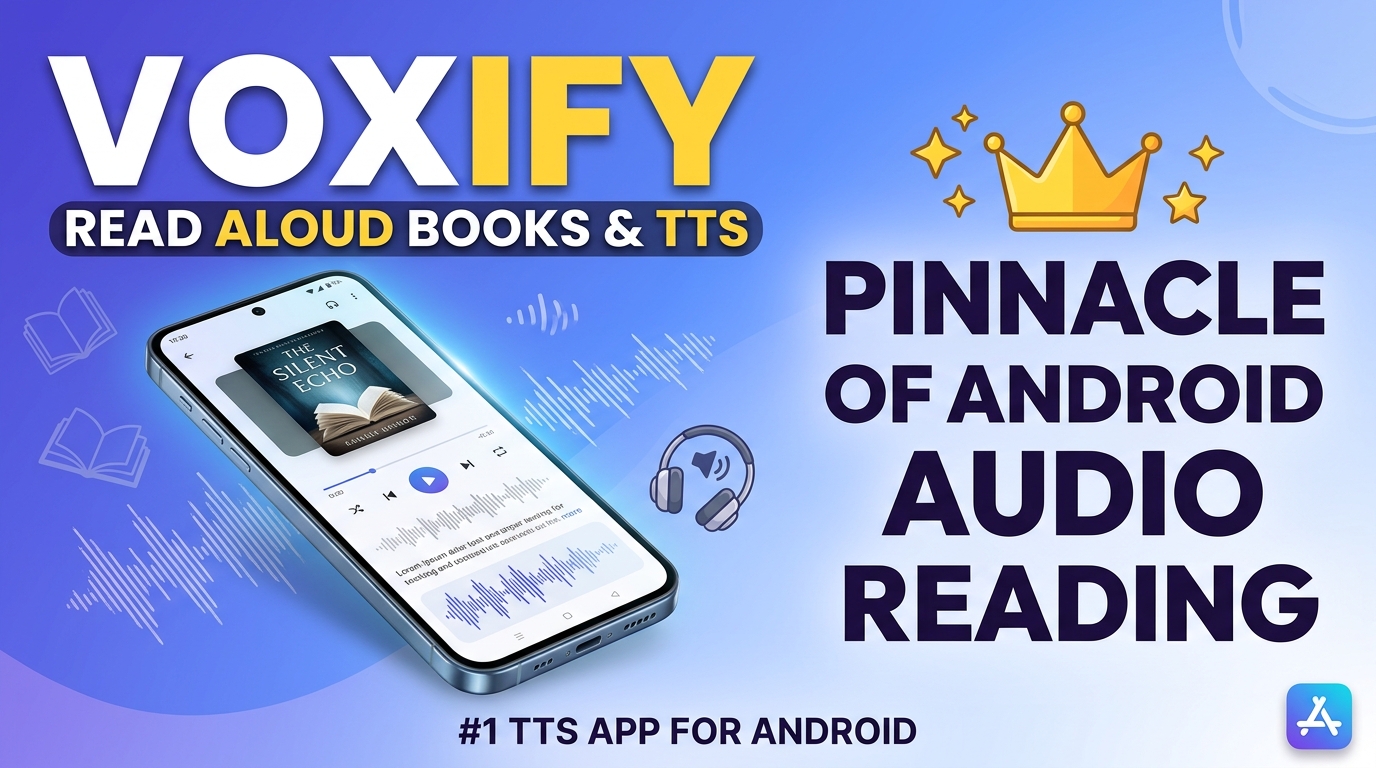
When it comes to elevating your Android reading experience, one application stands head and shoulders above the rest: Voxify Read Aloud Books & TTS. Designed for the discerning power user, Voxify is not just a TTS app; it’s a comprehensive audio companion that redefines how you interact with digital text.
Ultra-Natural AI Voices: Beyond Robotic Monotones
Gone are the days of sterile, mechanical voices that jar the listener. Voxify leverages cutting-edge Neural TTS technology to deliver ultra-natural AI voices that are remarkably human-like. Imagine having a professional narrator read your documents, articles, or even your favorite novels with nuanced intonation and rhythm. The experience is so immersive, you’ll forget you’re listening to an AI. For dialogues, Voxify goes a step further with Smart Voice Changing, assigning distinct voices to different speakers, making complex narratives effortlessly engaging. This is the gold standard for natural ai voice android solutions.
All-in-One Format Support: Your Entire Library, Audibly Accessible
Voxify eliminates the hassle of converting files or switching between multiple apps. It offers unparalleled multi-format support, seamlessly reading:
- PDFs: Your academic papers, reports, and manuals.
- EPUBs: Your digital book collection.
- TXT files: Simple notes and plain text documents.
- MOBI files: Kindle library content.
- CBZ files: Even comic books and graphic novels (with Image Reading Support / OCR for text within images).
Beyond local files, Voxify includes an Integrated Web Reader, allowing you to input URLs and listen to articles directly from the internet. Need to read text from an image or a screenshot? Its robust OCR (Optical Character Recognition) capabilities extract text, bringing even visual information to life.
Key Features that Set Voxify Apart:
- Ultra-Natural AI Voices (Neural TTS): Experience human-like narration.
- Multi-format Support: PDF, EPUB, TXT, MOBI, CBZ, and more.
- Integrated Web Reader: Listen to online articles with ease.
- Smart Voice Changing: Distinct voices for dialogues in books.
- Image Reading Support (OCR): Read text from images and scanned documents.
- Sleep Timer: Perfect for winding down with an audiobook.
- Audio Customization: Fine-tune your listening with Pitch adjustment and a built-in Equalizer.
- Auto-scroll: Keeps your place visually while listening.
Voxify truly transforms your Android device into a powerful, portable audiobook player for any text you encounter. Whether you’re a student needing to absorb dense academic papers, a professional reviewing reports on the go, or a book lover seeking a new way to enjoy your library, Voxify delivers an unmatched audio reading experience. It’s unequivocally the best tts app for books and beyond.
Deep Dive: Expanding Your Android TTS Horizon
While Voxify provides the ultimate all-in-one solution, understanding the broader landscape of Android TTS can help you appreciate its dominance. Many users look for specific integrations or functionalities.
TTS for Android Keyboard & System-Wide Reading

The core of any tts reader android experience is the ability to convert any text to speech. While Voxify is a dedicated reader app rather than a keyboard, it excels at consuming text from various sources that often originate from user input or content viewed on the device.
- Copy-Paste Power: Easily copy text from any app – be it a chat, an email, a web page, or even text you’ve typed yourself – and paste it directly into Voxify’s web reader or dedicated text input for instant narration. This effectively turns any text source, including your own keyboard input, into an audible stream.
- Share Functionality: Many Android apps allow you to “share” text directly to another app. Voxify is often a target for this, streamlining the process of sending an article or snippet to be read aloud.
For system-wide text-to-speech, Android offers built-in accessibility features (e.g., “Select to Speak”). These are useful for quick snippets but lack the advanced features, natural voices, and document handling capabilities of a dedicated app like Voxify. When seeking the best tts app for books or comprehensive document reading, Voxify’s specialized features far surpass generic system tools.
Natural AI Voice Android: Beyond the Basics
The demand for natural ai voice android solutions is higher than ever. Generic Android TTS engines, while functional, often sound robotic. Third-party apps like Voxify invest heavily in sophisticated AI models to produce highly expressive and human-like speech. This is crucial for:
- Sustained Listening: Robotic voices quickly lead to fatigue. Natural voices keep you engaged.
- Comprehension: Proper intonation and pacing aid understanding, especially for complex texts.
- Enjoyment: Reading novels or long-form articles becomes a pleasure, not a chore.
Voxify’s Neural TTS technology is a prime example of this advancement, offering a superior auditory experience compared to standard Android voice engines.
TTS for Android Auto: Your Commute, Reimagined
For professionals and students on the move, integrating TTS with Android Auto is a game-changer. Imagine listening to your textbooks, reports, or the latest articles during your commute, turning dead time into productive learning or leisure. While Android Auto primarily mirrors navigation and media apps, robust TTS apps can be accessed through your phone while connected.
To leverage Voxify with Android Auto:
- Initiate playback of your desired document or web page within Voxify on your phone before or after connecting to Android Auto.
- Once playing, the audio will typically route through your car’s speakers via Android Auto’s media playback.
- Use your car’s media controls to pause, play, or skip, just like any other audio source.
This allows you to safely consume important information or enjoy your digital library without touching your phone, making your drive more productive and enjoyable.
Browser Extensions & Developer APIs (A Brief Note for Power Users)
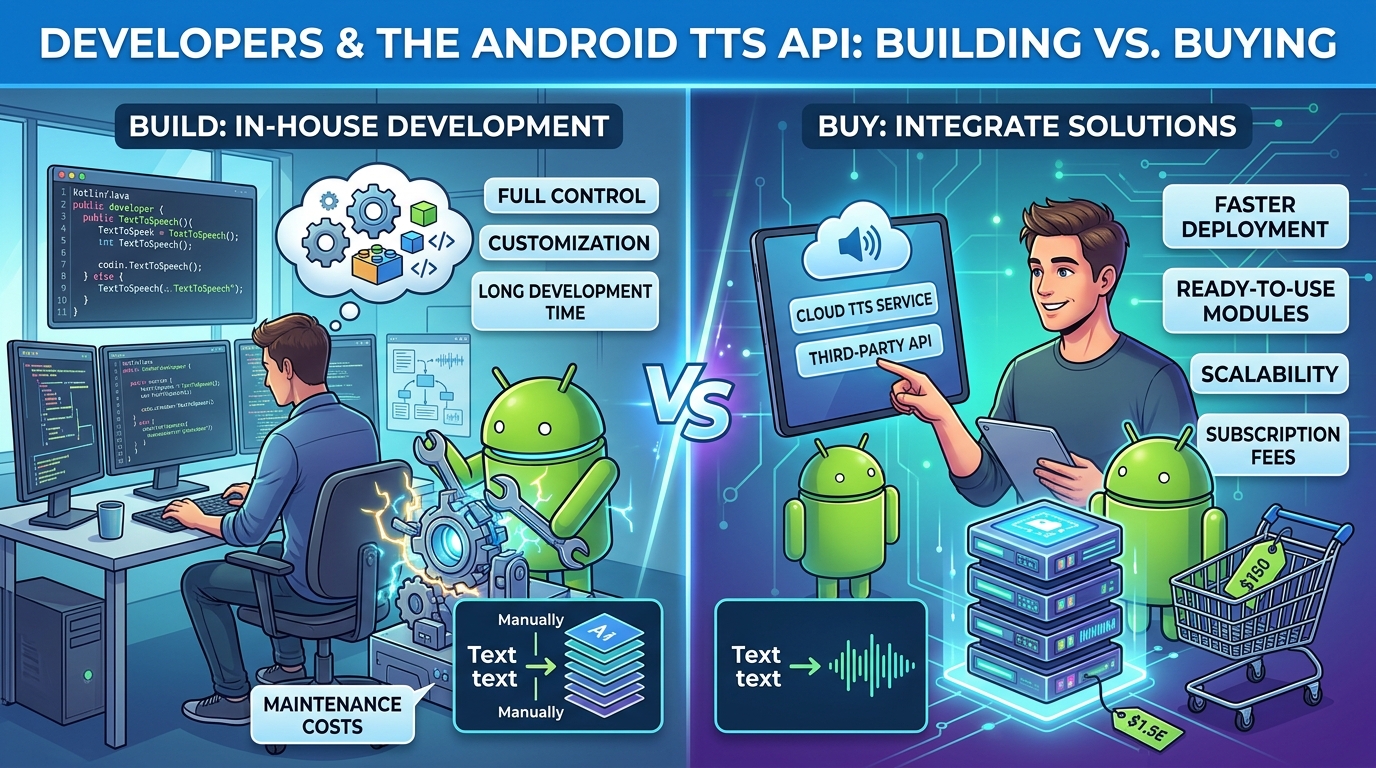
While this article focuses on Android apps, power users might encounter browser extensions for desktop TTS or developer APIs for integrating TTS into custom applications. Browser extensions are great for web content on a desktop, but they don’t offer the mobile versatility or multi-format file support of an app like Voxify. For developers, Android’s built-in TTS API provides a foundation, but achieving the ultra-natural AI voices and advanced features of Voxify would require significant custom development or integration with premium cloud-based TTS services. For the average Android power user, a dedicated app like Voxify is the most practical and feature-rich solution.
Expert Tips: Optimizing Your Android TTS Experience
To truly maximize your productivity and enjoyment with TTS, consider these expert tips:
- Adjust Speaking Speed for Productivity: Most TTS apps, including Voxify, allow you to control the playback speed. Experiment to find your optimal listening speed. For dense material, start slower; for review or lighter content, increase the speed to absorb information faster.
- Utilize High-Quality Voices: Always opt for natural ai voice android engines. Voxify’s Neural TTS voices are a prime example of how superior voice quality reduces listening fatigue and improves comprehension.
- Leverage Audio Customization: Don’t shy away from Voxify’s Pitch and Equalizer settings. Adjusting the pitch can make a voice more comfortable to listen to, while the equalizer can fine-tune audio for different environments (e.g., boosting bass for clearer voices in a noisy car).
- Integrate with Your Workflow:
- Students: Load lecture notes, textbooks (PDF, EPUB), and research papers into Voxify for hands-free review during commutes or while exercising.
- Professionals: Listen to reports, articles, and emails (via copy-paste) to stay informed during breaks or travel.
- Book Lovers: Transform your entire digital library into an immersive audiobook experience, perfect for multi-tasking.
- Use the Sleep Timer: For nighttime readers, Voxify’s Sleep Timer is invaluable. Set it to automatically pause playback after a certain duration, preventing you from losing your place if you drift off.
- Organize Your Content: Keep your digital documents well-organized. Voxify makes it easy to navigate your files, but a tidy library on your device will streamline the process of finding what you want to listen to.
By embracing the power of advanced tts reader android applications like Voxify, you can transform your Android device into an unparalleled tool for learning, productivity, and entertainment. Stop battling screen fatigue and start listening your way to a more efficient and enjoyable digital life.