Unlock Your Android’s Voice: The Ultimate Free TTS Reader Apps for Power Users (and Why Voxify Reigns Supreme)


In an era of relentless information overload and screen fatigue, the modern power user is constantly seeking smarter ways to consume content. Traditional reading, while invaluable, often competes with demanding schedules. This challenge has fueled a significant shift towards AI-powered audio consumption, transforming how we engage with everything from dense academic papers to captivating novels. Enter the Text-to-Speech (TTS) reader for Android – a powerful tool that converts written text into spoken words, liberating your eyes and empowering true multitasking. But with a myriad of options, which free TTS app for Android truly delivers a premium, intelligent experience?
This guide cuts through the noise, offering an authoritative look at the best TTS reader Android solutions, culminating in our top recommendation for discerning users in the USA, UK, and Australia.
The Game Changer: Why Voxify Read Aloud Books & TTS is Your Premier Android TTS Companion
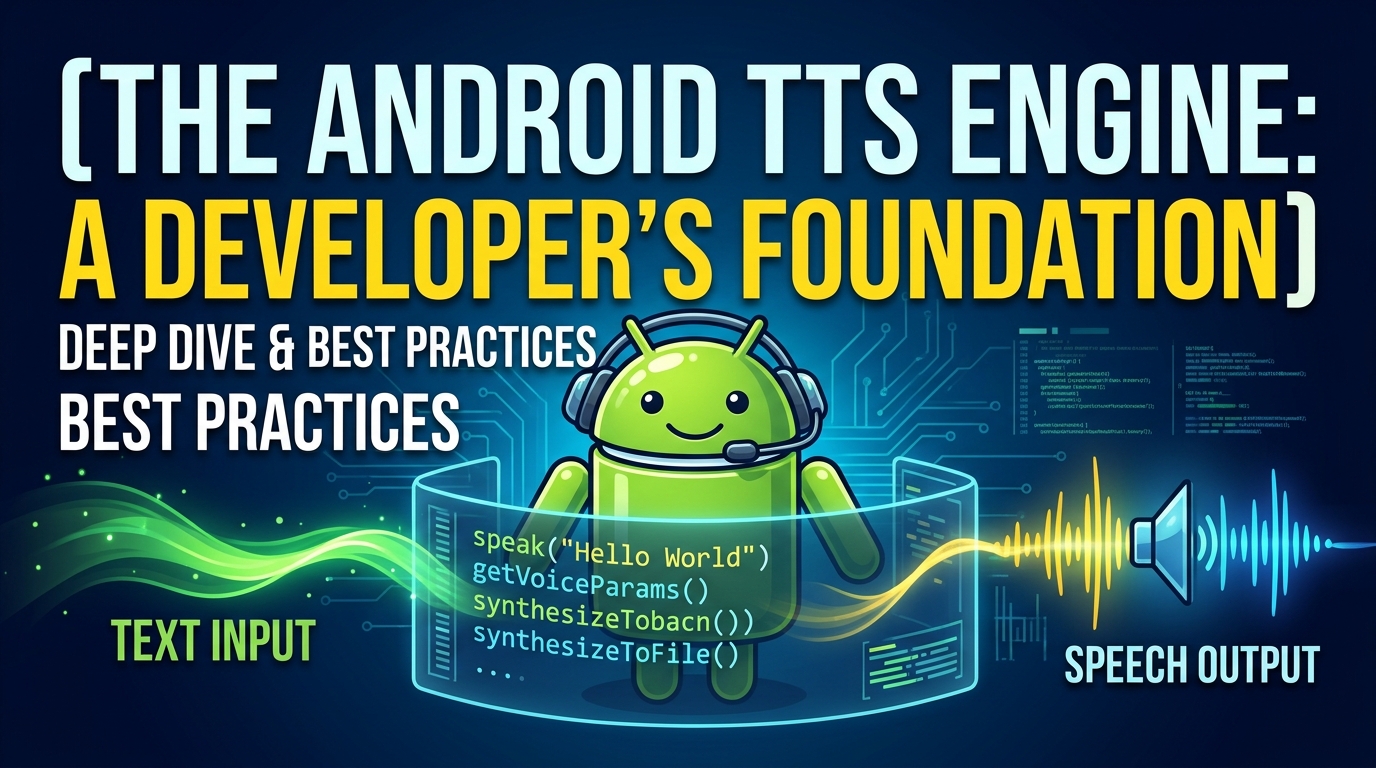
For those who demand excellence, precision, and a truly immersive audio reading experience, Voxify Read Aloud Books & TTS stands head and shoulders above the competition. This isn’t just another TTS app for Android download free; it’s a meticulously crafted platform designed to replicate the richness of human narration, powered by cutting-edge AI.
Voxify addresses the core limitations of generic TTS engines, delivering a sophisticated solution for students, professionals, and avid readers alike.
Beyond Robotic: The Ultra-Natural AI Voice Experience
The most significant leap in modern TTS technology comes from neural networks, and Voxify leverages this to its full potential. Forget the monotonous, robotic voices of yesteryear. Voxify Read Aloud Books & TTS employs Ultra-Natural AI Voices (Neural TTS) that breathe life into every word.
- Human-like Inflection: Experience voices that understand context, intonation, and emotional nuance, making long listening sessions genuinely enjoyable.
- Smart Voice Changing for Dialogues: A groundbreaking feature that automatically assigns different voices to distinguish between characters in dialogues, transforming your e-book experience into a dynamic audio play. This is a game-changer for fiction lovers.
- Audio Customization: Fine-tune your listening with a built-in equalizer and pitch control, allowing you to personalize the audio output to your exact preferences.
Read Anything, Anywhere: Unparalleled Format and Web Support
What truly elevates Voxify is its comprehensive versatility. It’s not just a TTS reader for Android; it’s an all-encompassing audio content platform.
- Multi-format Support: Seamlessly import and listen to almost any document or e-book format:
- EPUB
- TXT
- MOBI
- CBZ
This extensive compatibility makes it the best TTS app for books across your entire digital library.
- Integrated Web Reader: Don’t just read local files. Voxify includes an Integrated Web Reader, allowing you to input URLs and have articles, blog posts, and web pages read aloud instantly. Perfect for news consumption, research, or catching up on long-form content.
- Image Reading Support (OCR/Auto-scroll): A truly advanced feature, Voxify can even read text from images using Optical Character Recognition (OCR), ideal for scanned documents or image-based notes. Combined with auto-scroll, it ensures a smooth, hands-free experience.
- Sleep Timer: For those who love to drift off to the sound of a story or lecture, the integrated sleep timer ensures you don’t miss your place or drain your battery unnecessarily.
Voxify Read Aloud Books & TTS isn’t merely an app; it’s an intelligent companion designed to enhance your productivity and enrich your reading life. Its blend of cutting-edge AI voices and robust feature set makes it the undisputed leader for any power user seeking the best natural AI voice Android experience.
Beyond the Basics: Advanced TTS Scenarios & Voxify's Edge
While many users simply seek a reliable TTS reader Android for casual reading, power users often have more specific needs. Let’s explore how Voxify addresses these, often outperforming general solutions.
TTS for Android Auto: Your Commute, Reimagined
The demand for TTS for Android Auto is growing rapidly. Imagine having your documents, web articles, or e-books read aloud during your commute, turning dead time into productive learning or enjoyable entertainment.
While Android Auto offers basic TTS functionality for messages and navigation, integrating third-party apps for document reading can be complex. Dedicated apps like Voxify, while not always having direct Android Auto integration in the traditional sense, provide a superior experience that can be leveraged. By playing audio through your phone, which then connects to Android Auto, you get Voxify’s premium voices and features over the often-inferior default system voices. This means your commute is enhanced by natural AI voice Android quality, not generic robot speech.
Comparing the Landscape: Why a Dedicated App Wins Over Browser Extensions or APIs
You might encounter other solutions like browser extensions or developer APIs for TTS. While these have their niche, they rarely offer the comprehensive, integrated experience of a dedicated mobile application like Voxify.
| Feature / Solution | Voxify Read Aloud Books & TTS | Browser TTS Extensions | Android System TTS API (for developers) |
|---|---|---|---|
| Voice Quality | Ultra-Natural AI (Neural TTS) | Varies, often basic | Varies by device, can be basic |
| Multi-Format Support | PDF, EPUB, TXT, MOBI, CBZ | Web pages only | Requires custom coding for each format |
| Dialogue Intelligence | Yes (Smart Voice Changing) | No | Requires complex custom implementation |
| Offline Capability | Yes (for downloaded files) | Limited to cached pages | Yes (if voices downloaded) |
| Mobile Integration | Deep (Sleep Timer, OCR, etc.) | Browser-dependent | Requires app development |
| Ease of Use | High (user-friendly interface) | Moderate (browser-specific) | Requires programming knowledge |
| Value (Free Tier) | Excellent (core features often free/trial) | Good (basic web reading) | None (API is a tool, not an end-user app) |
For the end-user seeking the best TTS app for books and diverse content, a dedicated, feature-rich application like Voxify provides unmatched convenience, quality, and functionality.
Master Your Audio Reading: Expert Tips for Maximizing Your Android TTS Experience
Getting the most out of your app TTS reader for Android goes beyond just pressing play. Implement these expert tips to transform your audio reading into a truly productive and enjoyable habit.
- Experiment with Voice Speed: For productivity, gradually increase the playback speed. Many users can comfortably listen at 1.5x or even 2x the normal speed after a short adjustment period, significantly boosting content consumption. Voxify’s natural voices make this far less jarring than older TTS engines.
- Choose the Right Voice: Spend time exploring Voxify’s diverse range of natural AI voice Android options. A voice that resonates with you will make long listening sessions much more pleasant and reduce listening fatigue. Consider different accents or genders for variety.
- Leverage the Sleep Timer: If you enjoy listening before bed, set Voxify’s sleep timer. This prevents the app from playing all night, preserving your battery and ensuring you don’t lose your place.
- Multi-task Strategically: The beauty of TTS is its hands-free nature. Use it during commutes, while exercising, doing chores, or even during a walk. Turn otherwise unproductive time into learning or entertainment.
- Organize Your Content: With Voxify’s multi-format support, keep your digital library organized. Create folders for different subjects or genres to quickly access the content you want to listen to.
- Utilize the Web Reader for News & Articles: Make a habit of sending long articles or news pieces to Voxify’s Integrated Web Reader. This is a fantastic way to stay informed without adding to screen time.
- Explore Audio Customization: Don’t overlook the equalizer and pitch controls. A slight adjustment can make a significant difference in clarity and personal preference, especially when listening through different headphones or speakers.
By integrating Voxify Read Aloud Books & TTS into your daily routine and applying these expert strategies, you’re not just downloading a free TTS app for Android; you’re unlocking a new dimension of productivity and content consumption. Embrace the future of reading and let your Android speak to you.