Unlock Your Ears: Why Dedicated Android TTS Apps Eclipse Browser Extensions for Power Readers


In an era defined by information overload and constant multitasking, the traditional act of reading can often feel like another drain on our cognitive resources. “Reading fatigue” is a real challenge for students, professionals, and avid book lovers alike. While the convenience of a “read epub Chrome extension” offers a quick fix for web-based content, true productivity and immersive learning demand a more sophisticated, dedicated solution. The future of reading isn’t just about text; it’s about intelligent, AI-powered audiobooks that transform any text into a natural listening experience.
This guide will steer you beyond browser limitations, diving deep into the world of Text-to-Speech (TTS) apps for Android that liberate your eyes and supercharge your productivity. We’re talking about solutions that bring your documents, eBooks, and web articles to life with voices so natural, you’ll forget they’re AI.
Voxify Read Aloud Books & TTS: The Pinnacle of Android Audio Reading
For power users demanding unparalleled flexibility, naturalness, and robust feature sets, Voxify Read Aloud Books & TTS stands out as the premier TTS reader Android application. It’s more than just a reader; it’s a comprehensive audio companion designed to integrate seamlessly into your busy lifestyle, transforming how you consume content across all formats.
Ultra-Natural AI Voices: Beyond Robotic Monotones
The defining feature of Voxify is its commitment to an authentic listening experience. Forget the robotic, monotonous voices of yesteryear. Voxify leverages cutting-edge Neural TTS technology to deliver ultra-natural AI voices that are virtually indistinguishable from human narration. This isn’t just about clarity; it’s about inflection, rhythm, and emotional nuance that keeps you engaged.
- Diverse Voice Library: Choose from a wide array of accents and tones to find the perfect narrator for any book or document.
- Smart Voice Changing for Dialogues: Experience stories brought to life with different voices automatically assigned to various characters in dialogues, enhancing immersion dramatically.
All-in-One Format Support: Your Universal Audio Library
Why juggle multiple apps when one can handle it all? While a “read epub Chrome extension” might handle web content, Voxify is built for your entire digital library. It eliminates the hassle of converting files or relying on platform-specific readers.
- Multi-format Mastery: Seamlessly open and listen to PDF, EPUB, TXT, MOBI, and even CBZ (comic book archives). This comprehensive support makes Voxify the best TTS app for books and documents of all kinds.
- Integrated Web Reader: Even for web articles, Voxify offers an integrated browser, ensuring a consistent and high-quality listening experience without leaving the app.
- Image Reading Support (OCR/Auto-scroll): Got an image with text? Voxify’s OCR capabilities can read it aloud, even intelligently auto-scrolling to keep up.
- Audio Customization: Fine-tune your listening with an integrated equalizer and pitch controls, ensuring optimal clarity and comfort for every ear.
- Sleep Timer: Drift off to your favorite book without worrying about playback continuing all night.
Voxify is engineered for the discerning user who values quality, convenience, and a truly immersive audio experience.
<a href="
“>🚀 DOWNLOAD VOXIFY ON GOOGLE PLAYBeyond the Browser: Why Dedicated Apps Win for Power Users
While a “read epub Chrome extension” offers a superficial solution for casual web reading, it pales in comparison to the depth and functionality of a dedicated Android application.
Browser Extensions vs. Dedicated Apps: A Productivity Showdown
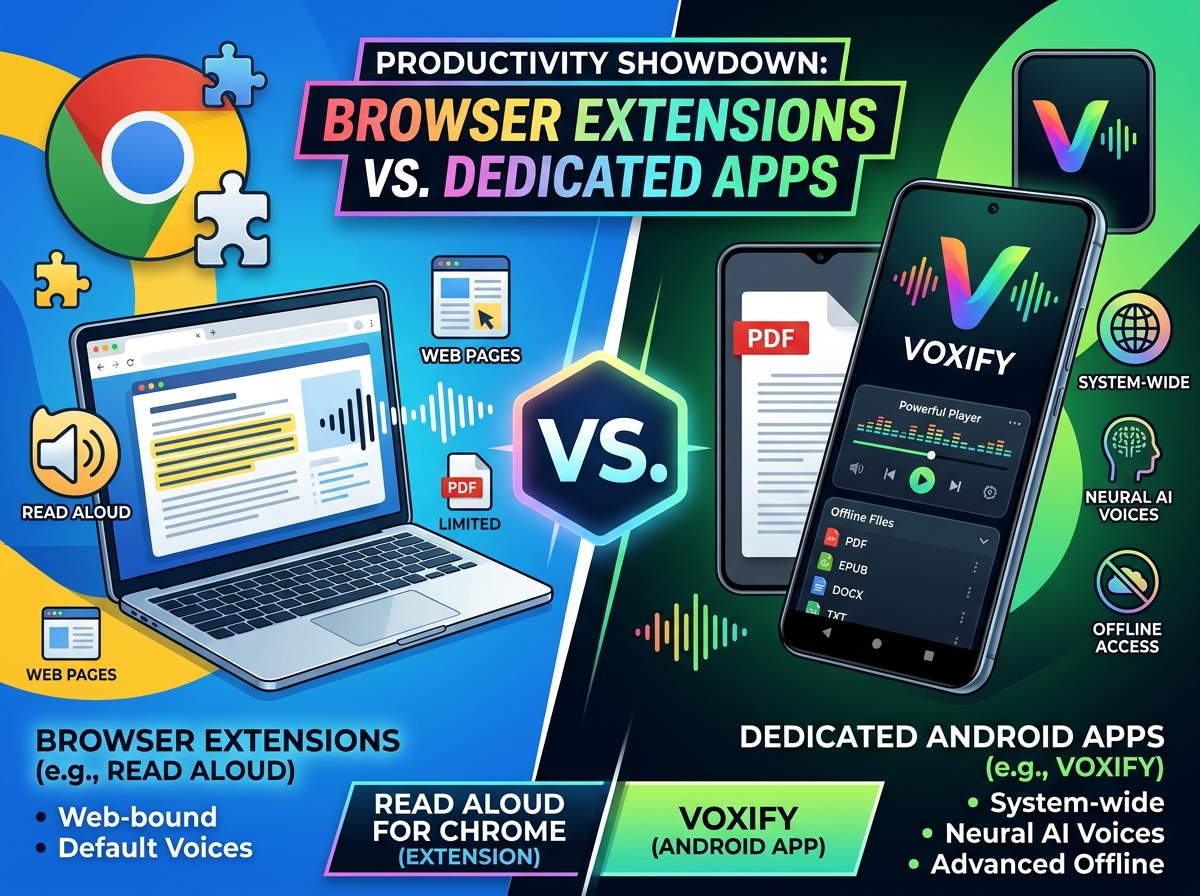
| Feature/Aspect | Browser Extension (e.g., Read Aloud for Chrome) | Dedicated Android App (e.g., Voxify) |
|---|---|---|
| Scope | Browser-bound (web pages, some local files) | System-wide (all local files, web, images, cloud integration) |
| Voice Quality | Often uses browser’s default, less natural | Advanced Neural TTS, ultra-natural AI voices, voice changing for dialogues |
| Offline Access | Limited, often requires active internet | Extensive offline playback for downloaded files |
| File Support | Primarily web, basic PDFs, EPUBs | PDF, EPUB, TXT, MOBI, CBZ, RTF, HTML, DOCX, images (OCR) |
| Integration | Within browser window | Deep OS integration, share sheets, widgets, Android Auto |
| Customization | Basic speed/pitch | Advanced pitch, equalizer, sleep timer, reading modes |
| Productivity | Quick glance/listen | Deep work, study, immersive reading, multitasking |
The Android Auto Advantage: Listening on the Go
For professionals and commuters, the ability to continue listening seamlessly is paramount. While some web-based TTS might struggle with connectivity or background playback, a robust TTS for Android Auto solution is essential. Voxify integrates flawlessly, allowing you to control your audiobooks and documents directly from your car’s infotainment system. This means your study materials, important reports, or latest novel can accompany you on every journey, turning dead time into productive learning or leisure.
Developer Insights: The Power of TTS APIs
For developers and advanced users interested in the underlying technology, Android’s native Text-to-Speech APIs (like those from Google, Amazon Polly, or Microsoft Azure) provide the backbone for applications like Voxify. These APIs allow for sophisticated voice synthesis, language detection, and custom pronunciations. While developers can integrate these into their own projects, end-users benefit from polished apps like Voxify that abstract away the complexity, delivering a user-friendly and feature-rich experience.
Expert Tips for Optimizing Your TTS Experience
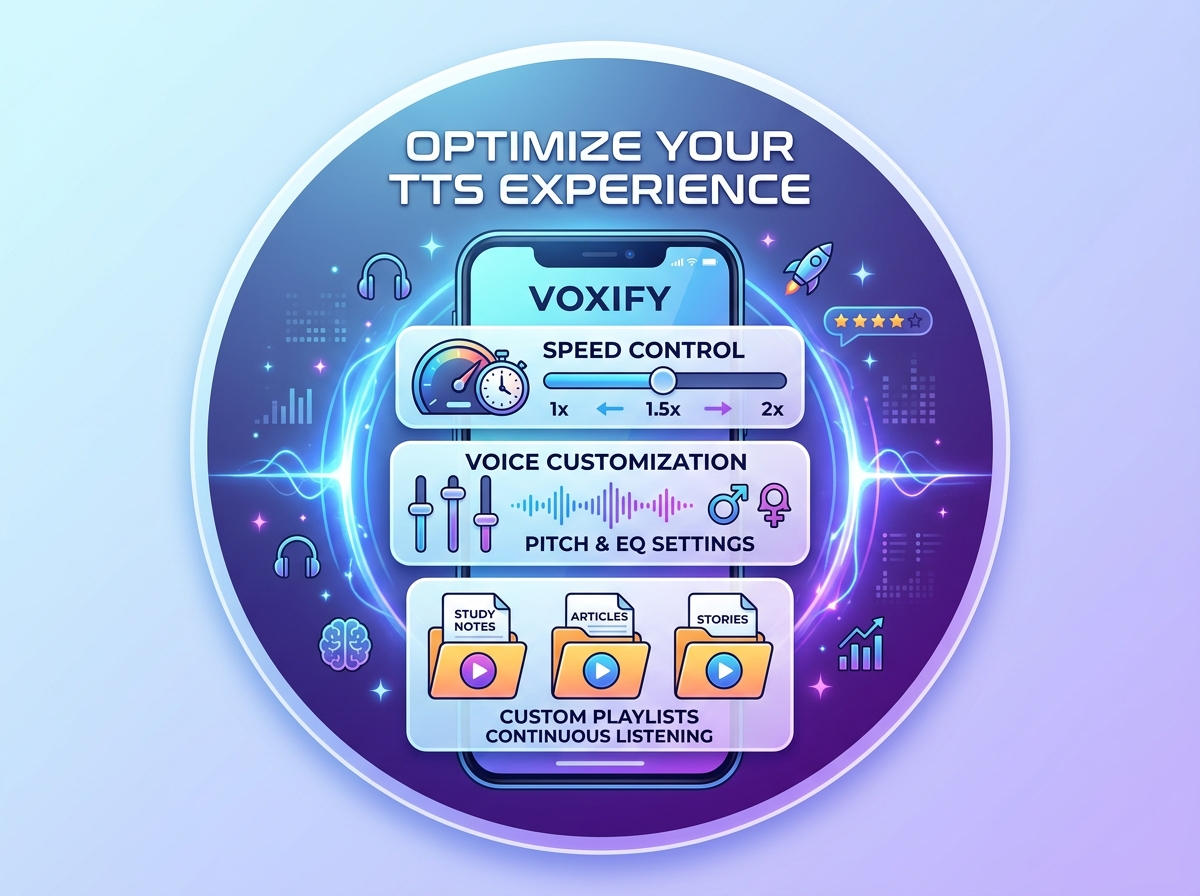
To truly leverage the power of natural AI voice Android apps like Voxify, consider these expert recommendations:
- Adjust Reading Speed for Productivity: Experiment with faster speeds (e.g., 1.5x to 2x) for technical documents or news articles where comprehension is key, but immersion is less critical. For fiction or complex academic texts, dial it back to a comfortable pace.
- Utilize Voice Customization: Don’t settle for the default. Explore Voxify’s diverse voice library and use the pitch and equalizer settings to find a voice that’s easy on your ears for extended listening sessions.
- Create Custom Playlists: Group related documents or chapters into playlists for continuous listening, especially useful for study sessions or project research.
- Embrace Offline Mode: Download your essential books and documents for offline playback. This is invaluable for travel, areas with poor connectivity, or simply conserving data.
- Integrate with Your Workflow: Use the “share” function from other apps (like a web browser or cloud storage) to send text directly to Voxify for instant listening, streamlining your information intake.
By moving beyond the limited scope of a “read epub Chrome extension” and embracing the advanced capabilities of a dedicated tts reader android app like Voxify, you unlock a new dimension of productivity and enjoyment in your digital reading life. It’s time to transform your reading and truly empower your ears.