Unlock Your Galaxy’s Potential: The Ultimate AI Text-to-Speech Reader for Power Users (2026)


In an era of relentless digital information, the sheer volume of text can lead to significant reading fatigue. For professionals, students, and avid learners, time is a premium, and the ability to consume content efficiently is paramount. The shift towards AI-powered audiobooks and advanced text-to-speech (TTS) apps has revolutionized how we engage with written material, transforming static text into dynamic, accessible audio. This isn’t just about convenience; it’s about unlocking new dimensions of productivity and multitasking on your Android Galaxy device.
While your Galaxy phone comes with built-in TTS capabilities, power users demand more: more natural voices, broader format support, and advanced features that seamlessly integrate into a busy lifestyle. The quest for the best TTS app for books and documents ends here.
Featured Spotlight: Voxify Read Aloud Books & TTS – The Premier Android Solution
When it comes to elevating your audio reading experience on Android, one application stands head and shoulders above the rest: Voxify Read Aloud Books & TTS. Engineered for discerning users, Voxify transcends basic TTS, offering a sophisticated platform that brings your digital library to life with unparalleled clarity and intelligence. It’s the natural AI voice Android users have been waiting for, making it the definitive tts reader android solution for your Galaxy device.
Ultra-Natural AI Voices: A Leap Beyond Robotic Monotones
The cornerstone of an exceptional TTS experience lies in its voices. Voxify leverages cutting-edge Neural TTS technology to deliver ultra-natural AI voices that mimic human intonation, rhythm, and emotion. Gone are the days of robotic, monotonous narration. Voxify’s voices are so lifelike, you’ll often forget you’re listening to an AI. This is critical for long-form content, where engaging narration significantly reduces listening fatigue and improves comprehension.
Beyond realism, Voxify introduces Smart Voice Changing for dialogues. This intelligent feature assigns different voices to different characters in a story, making novels, scripts, and even complex academic papers with multiple speakers far more immersive and easier to follow.
All-in-One Format Support: Your Entire Library, Audified
Power users juggle multiple content formats. Voxify eliminates the need for disparate apps by offering comprehensive multi-format support. Whether you’re a student poring over academic papers or a professional reviewing reports, Voxify has you covered:
- PDF: Seamlessly read PDF documents, including complex layouts.
- EPUB: Enjoy your entire eBook collection with professional narration.
- TXT: Convert simple text files into engaging audio.
- MOBI: Access your Kindle library without proprietary restrictions.
- CBZ: Even comic book archives can be read aloud, with image recognition.
- Integrated Web Reader: Convert articles, blog posts, and research papers directly from the web into audio.
But Voxify’s capabilities extend further. Its innovative Image Reading Support (OCR/Auto-scroll) means you can even snap a photo of a physical document or screenshot, and Voxify will convert the text to speech, intelligently scrolling as it reads. Combined with robust Audio Customization (Pitch/Equalizer) and a convenient Sleep Timer, Voxify delivers a personalized, effortless listening journey.
🚀 DOWNLOAD VOXIFY ON GOOGLE PLAY
Deep Dive: Beyond Basic TTS – Why Voxify Excels
While many apps offer basic text-to-speech, Voxify’s feature set addresses specific power user needs, making it an indispensable tool for a wide range of scenarios.
TTS for Android Auto: Your Commute, Reimagined
For many, the car is an extension of the office or classroom. The demand for TTS for Android Auto has surged as users seek to maximize commute time. While Android Auto supports basic media playback, integrating a sophisticated tts reader android app like Voxify transforms your vehicle into a mobile learning or entertainment hub.
Imagine listening to a complex PDF report, an EPUB novel, or a crucial web article, all narrated with natural AI voices, directly through your car’s infotainment system. Voxify’s robust playback and comprehensive format support mean you’re not limited to podcasts or music; your entire digital library becomes accessible, making every journey productive.
Addressing Developer Needs vs. User Solutions
Some advanced users, particularly those with a technical bent, might search for an Android TTS API or code examples to build their own solutions. While Android offers native TTS APIs for developers, the reality for most power users is that they need an immediate, polished, and feature-rich application, not a development project.
Voxify provides that ready-made, superior solution. It integrates the complexity of advanced TTS engines, multi-format parsing, and user interface design into a seamless package. For those who want to use the best TTS technology rather than build it, Voxify is the clear choice, offering enterprise-grade features without the development overhead.
Beyond Browser Extensions: A Unified Reading Experience
Browser extensions offer convenience for reading web pages, but they fall short when dealing with a diverse content library. A web browser extension cannot read your local PDFs, EPUBs, or MOBI files. This creates a fragmented experience where you switch between multiple tools for different content types.
Voxify consolidates your entire reading workflow. Its Integrated Web Reader handles online content just as effectively as its robust offline document support. This unified approach means a consistent, high-quality audio experience across all your materials, making it a far more powerful and efficient best tts app for books and articles than any browser-specific add-on.
Expert Tips: Optimizing Your AI Audio Reading Experience
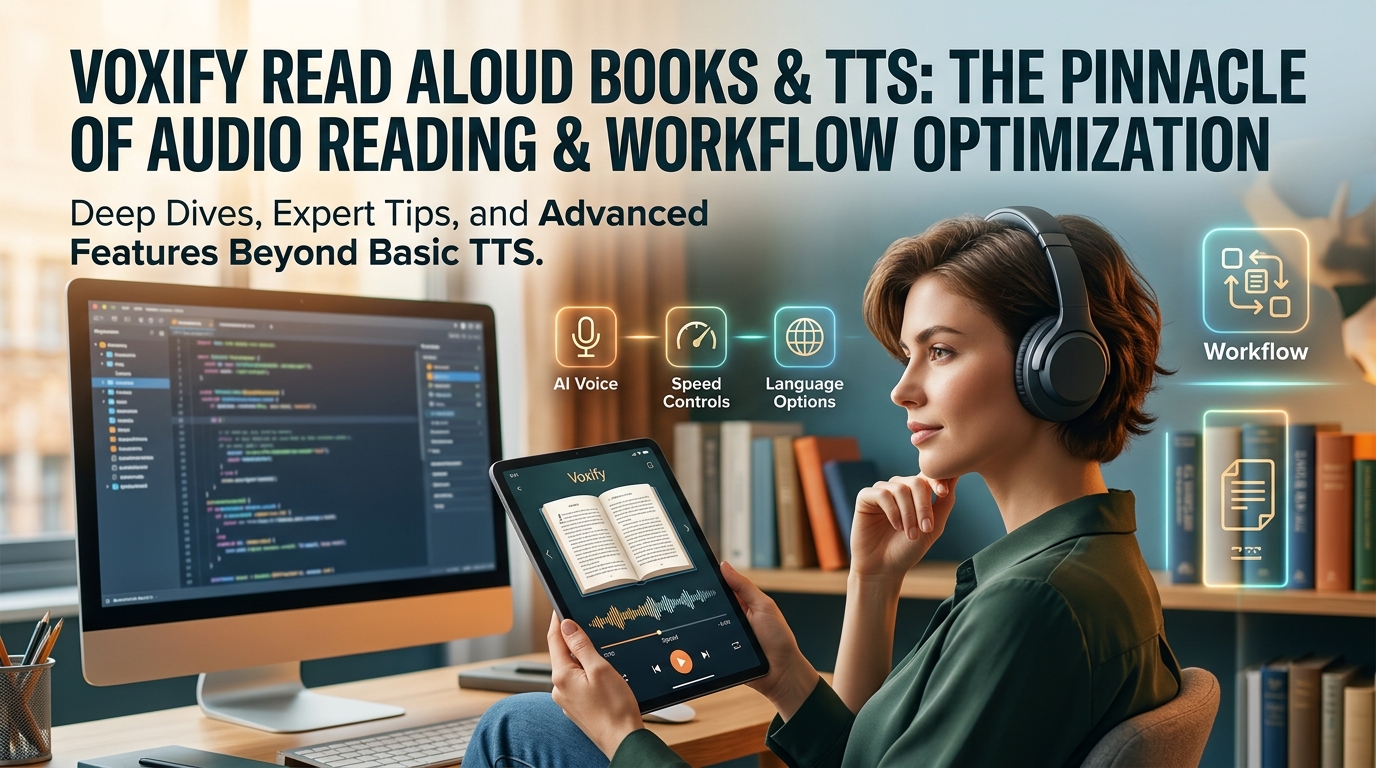
To truly leverage the power of a premium tts reader android app like Voxify, consider these expert tips:
- Adjust Reading Speed for Productivity: Don’t stick to default speeds. Experiment with higher playback rates (e.g., 1.5x, 2x) for technical documents or familiar content to significantly boost your information intake. For complex material, slow it down to ensure full comprehension.
- Utilize Voice Customization: Voxify’s Audio Customization features (Pitch/Equalizer) allow you to fine-tune the listening experience. Adjust pitch for comfort, or use the equalizer to optimize sound for different environments (e.g., boosting bass for noisy commutes, enhancing clarity for quiet study).
- Leverage the Sleep Timer: For winding down with an eBook, the Sleep Timer is invaluable. Set it to automatically pause playback after a set duration, preventing you from losing your place or draining your battery if you drift off.
- Organize Your Digital Library: Before importing into Voxify, ensure your PDFs, EPUBs, and other documents are well-organized. This makes content discovery and management within the app much smoother.
- Explore Different Voices: Voxify offers a selection of natural AI voices. Experiment with different accents and tones to find the one that best suits your preferences for various types of content. A fresh voice can even make revisiting old material more engaging.
By integrating Voxify Read Aloud Books & TTS into your daily routine, you’re not just reading; you’re transforming how you absorb information. Embrace the future of reading on your Android Galaxy device and unlock unprecedented levels of productivity and accessibility.