Unlock Your Library: The Ultimate Android TTS Reader for Kindle & Beyond in 2026


In an era defined by constant information flow and demanding schedules, the sheer volume of reading can lead to significant reading fatigue. For book lovers, students, and professionals alike, the traditional act of staring at a screen for hours is increasingly unsustainable. This is where the revolution of AI-powered audiobooks and advanced text-to-speech (TTS) apps for Android steps in, transforming how we consume digital content. Imagine turning your entire digital library – from Kindle books to PDFs and web articles – into engaging audio experiences, allowing you to learn, relax, and multi-task with unprecedented efficiency.
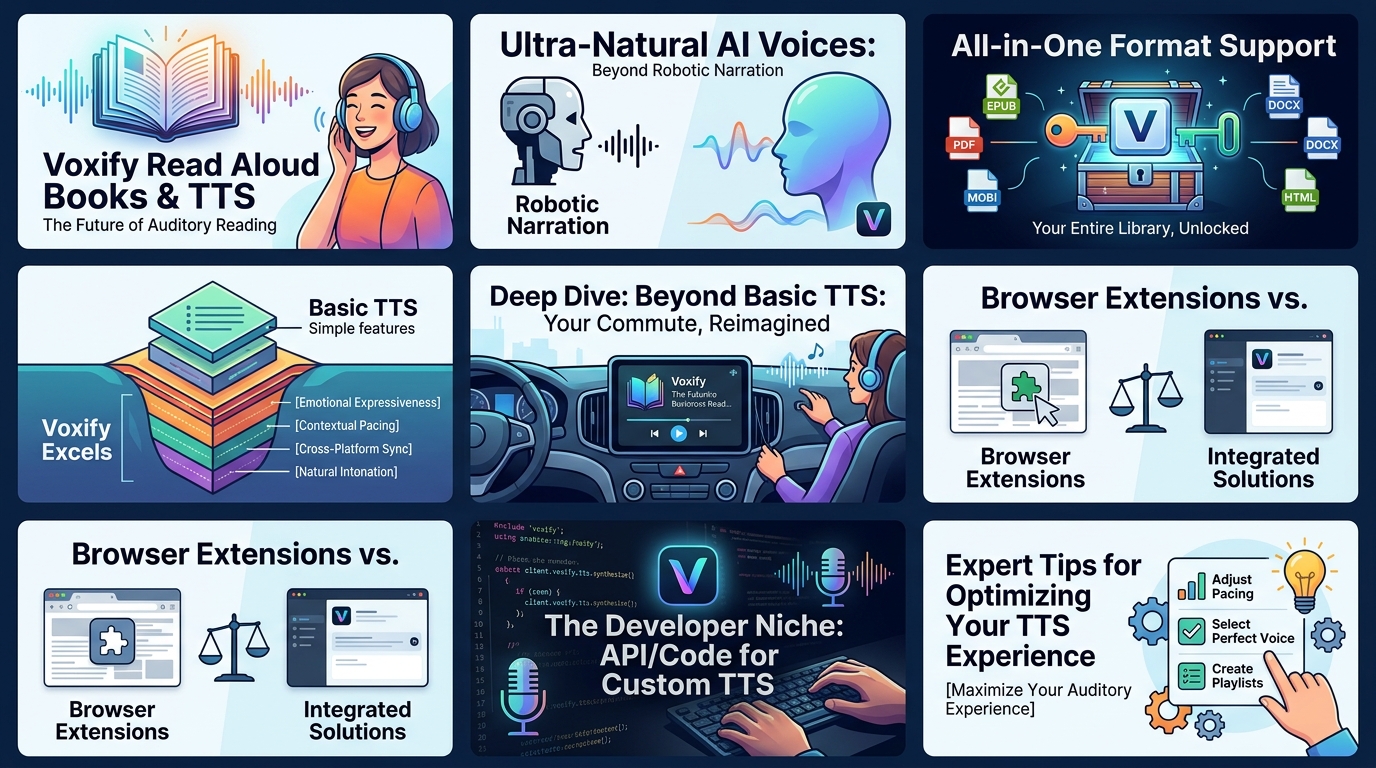
Voxify Read Aloud Books & TTS: The Future of Auditory Reading
While the market offers various tts reader android solutions, few match the sophistication, versatility, and sheer quality of Voxify Read Aloud Books & TTS. Engineered for power users in the USA, UK, and Australia, Voxify isn’t just an app; it’s a comprehensive auditory companion designed to elevate your digital reading experience to an entirely new level.
Ultra-Natural AI Voices: Beyond Robotic Narration
The most striking feature of Voxify is its commitment to delivering an authentic listening experience. Gone are the days of monotonous, robotic voices that detract from the narrative. Voxify leverages cutting-edge Ultra-Natural AI Voices, powered by advanced Neural TTS technology. This means you get:
- Human-like Pronunciation: Nuanced intonation, natural pacing, and clear articulation that mimics a professional narrator.
- Smart Voice Changing for Dialogues: A groundbreaking feature that automatically assigns different, natural-sounding voices to distinguish between characters in dialogue, making novels and scripts incredibly immersive.
- Audio Customization: Fine-tune your listening with an integrated equalizer and pitch control, allowing you to personalize the voice to your preference.
All-in-One Format Support: Your Entire Library, Unlocked
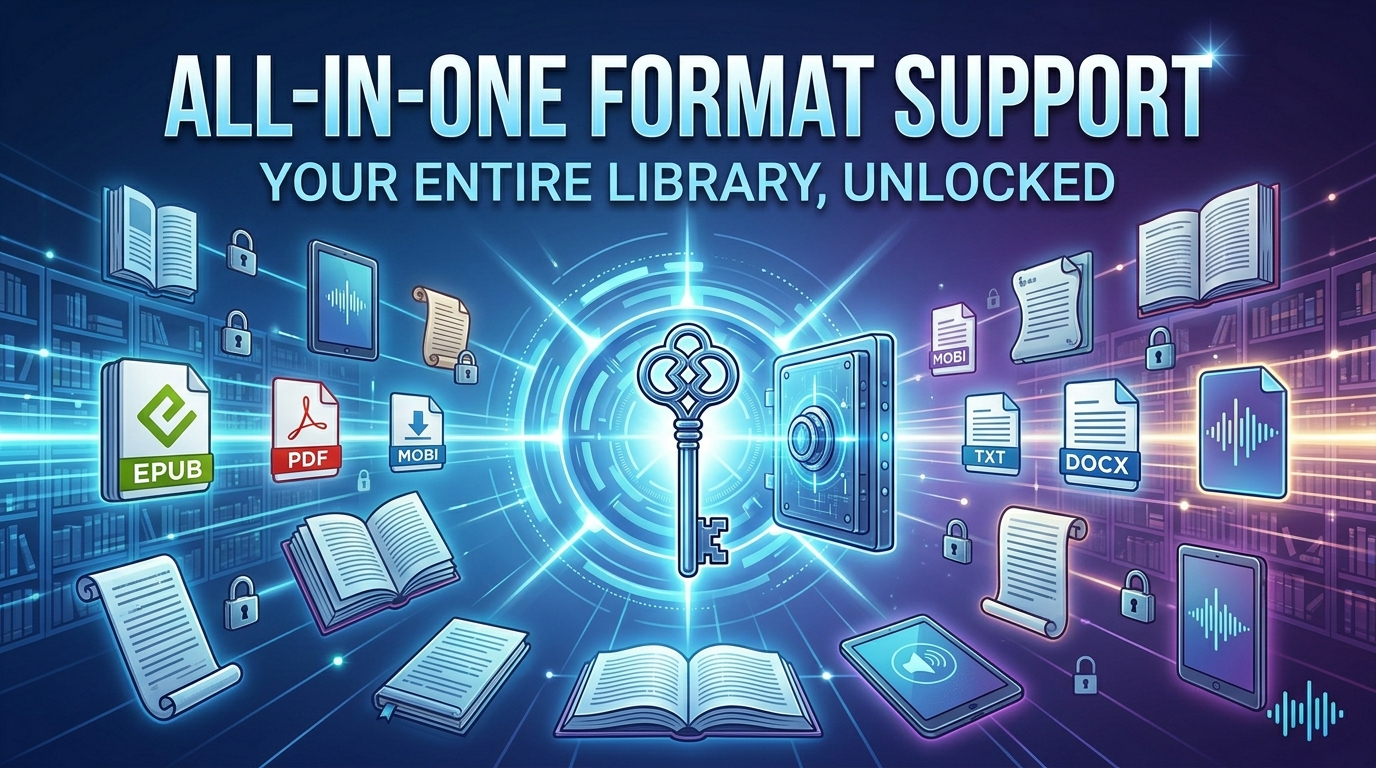
One of the biggest frustrations with many tts for android kindle solutions is their limited file compatibility. Voxify obliterates this barrier, offering unparalleled multi-format support that truly makes it the best tts app for books.
- Comprehensive File Compatibility: Seamlessly read aloud from PDF, EPUB, TXT, MOBI, CBZ (for comics and graphic novels), ensuring your entire digital library, including many Kindle exports, is accessible.
- Integrated Web Reader: Don’t just read books; listen to web articles, blog posts, and online documents directly within the app. No more copying and pasting into separate readers.
- Image Reading Support (OCR/Auto-scroll): Even text embedded in images becomes audible. Voxify’s optical character recognition (OCR) technology extracts text from images, while auto-scroll keeps your place visually.
- Productivity Enhancers: A Sleep Timer allows you to drift off without losing your place, and intuitive controls ensure a smooth, uninterrupted listening session.
Voxify truly stands out as the premier natural ai voice android application for anyone serious about auditory content consumption.
Deep Dive: Beyond Basic TTS – Why Voxify Excels

While many users simply seek a basic read aloud app, a closer look at common search intents reveals the need for more robust, integrated solutions.
TTS for Android Auto: Your Commute, Reimagined
For commuters and road-trippers, integrating reading into driving time is a game-changer. The demand for tts for android auto is growing, allowing users to listen to books and articles safely. Many generic TTS apps offer basic playback, but Voxify’s advanced features make it ideal for the car:
- Consistent Playback: Its robust engine ensures smooth, uninterrupted audio, crucial for highway driving.
- Natural Voices: Reduces listener fatigue compared to robotic voices, making long commutes more enjoyable.
- Multi-format Access: Whether it’s a PDF from work or an EPUB novel, Voxify ensures your content is ready for the road.
Browser Extensions vs. Integrated Solutions
Many users turn to browser extensions for reading web content aloud. While useful for desktop browsing, these are often clunky and less optimized for mobile. Voxify’s Integrated Web Reader offers a superior mobile experience:
- Seamless Mobile Integration: Read articles directly within the app, optimized for your phone or tablet.
- Offline Access (for downloaded articles): Save web pages to listen to later, even without an internet connection.
- Unified Experience: All your audio content, whether books or web articles, is managed in one powerful application.
The Developer Niche: API/Code for Custom TTS
For developers, understanding TTS often involves exploring APIs and code for custom integrations. While Voxify is a consumer-facing app, its underlying advanced AI technology highlights the sophisticated capabilities now accessible to the end-user. For those who require custom solutions, Android’s native TTS engine (often powered by Google’s services) provides a foundational API. However, for a ready-to-use, feature-rich consumer experience, dedicated apps like Voxify far surpass basic system capabilities.
Expert Tips for Optimizing Your TTS Experience
Maximizing the utility of a powerful app like Voxify involves a few expert adjustments:
- Find Your Perfect Speed: Productivity users often prefer a faster playback speed (1.5x to 2x), while casual readers might opt for a more relaxed pace. Experiment with Voxify’s speed controls to find what suits your comprehension and focus levels.
- Leverage Voice Customization: Don’t settle for the default. Explore different Ultra-Natural AI Voices and use the pitch and equalizer settings to find a voice that’s most comfortable and engaging for extended listening.
- Utilize the Sleep Timer: For winding down with a book, set the sleep timer. This prevents the app from playing all night and helps you pick up exactly where you left off.
- Organize Your Digital Library: Before importing into Voxify, ensure your books are well-organized. This makes it easier to navigate and select content within the app, especially with its robust multi-format support.
- Explore OCR for Physical Books: For physical books or image-heavy documents, Voxify’s Image Reading Support (OCR) is invaluable. Simply snap a picture of the page, and let the app read it aloud.
By integrating Voxify Read Aloud Books & TTS into your daily routine, you’re not just reading; you’re experiencing your content in a dynamic, flexible, and deeply engaging new way. Embrace the future of reading and transform your digital library into an auditory powerhouse.