Unlock Your Reading Potential: The Premier Text-to-Speech Apps for Android in 2026


In our relentlessly fast-paced world, information overload and screen fatigue are common adversaries. For power users, students, and avid readers alike, the challenge isn’t just what to read, but how to consume it efficiently and comfortably. Enter the transformative power of Text-to-Speech (TTS) technology. No longer relegated to robotic voices, modern tts reader android apps, powered by advanced AI, are revolutionizing how we interact with digital content, turning any text into a personalized, high-quality audiobook. This shift allows you to devour books, articles, and documents while commuting, exercising, or simply resting your eyes.
Voxify Read Aloud Books & TTS: The Gold Standard for Android Text-to-Speech
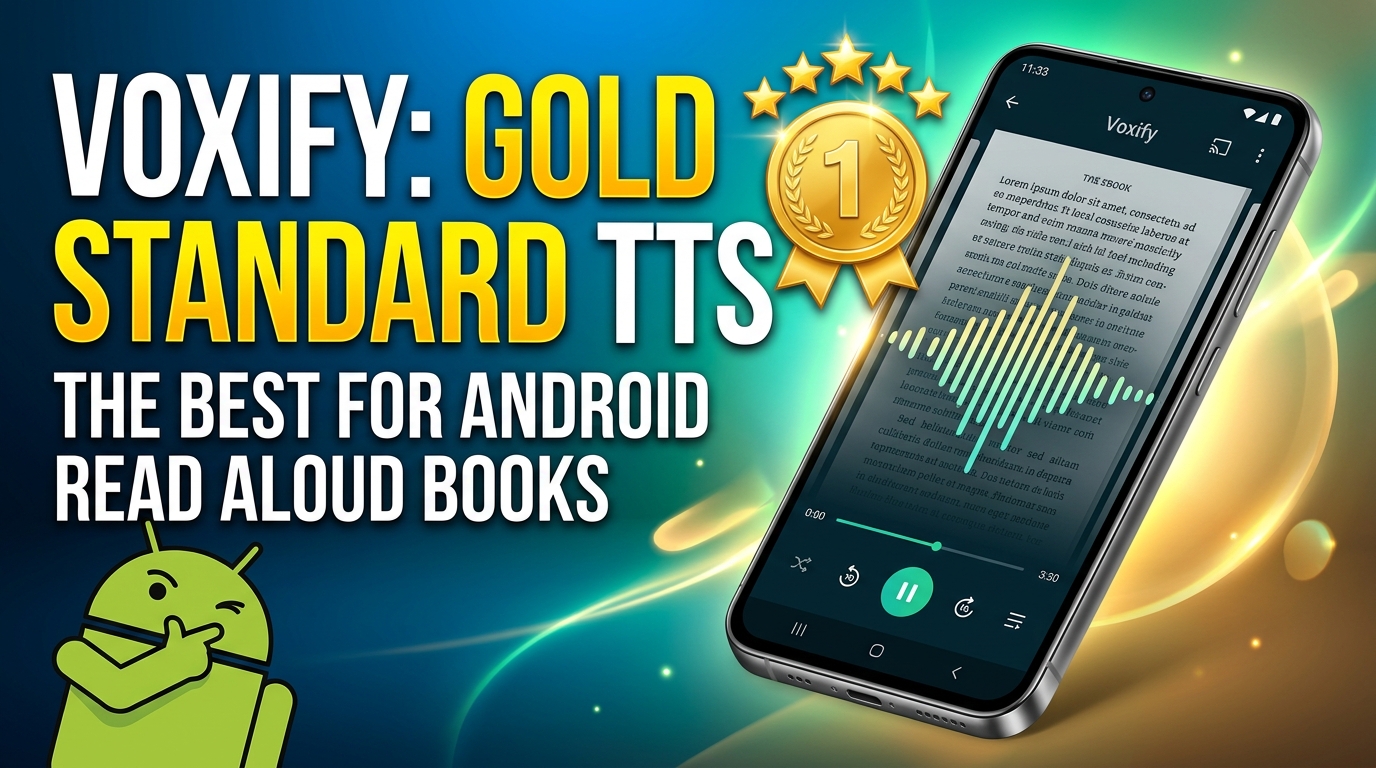
When it comes to a comprehensive, feature-rich, and truly intelligent tts app for books on Android, one solution stands head and shoulders above the rest: Voxify Read Aloud Books & TTS. Designed for discerning users who demand superior audio quality and robust functionality, Voxify transforms your device into an auditory gateway to your entire digital library.
Beyond Robotic: The Era of Ultra-Natural AI Voices
The most striking feature of Voxify is its commitment to an immersive listening experience. Gone are the days of monotonous, synthesized voices. Voxify leverages Ultra-Natural AI Voices (Neural TTS) that mimic human intonation, rhythm, and emotion with uncanny accuracy. This isn’t just about sounding pleasant; it’s about reducing listening fatigue and enhancing comprehension.
- Neural TTS: Experience voices so lifelike, you’ll forget you’re listening to an AI.
- Smart Voice Changing for Dialogues: A game-changer for fiction lovers. Voxify intelligently assigns different voices to dialogue, making character interactions clear and engaging – a feature rarely seen in competing apps.
- Audio Customization: Tailor your listening experience with granular control over pitch and an integrated equalizer, allowing you to fine-tune the audio to your preference or environment.
Your Entire Library, Audified: Unrivaled Format & Web Support
What good is a premium voice if it can’t read your content? Voxify excels in its versatility, offering unparalleled support for virtually any text format you throw at it, making it the best tts app for books of all kinds.
- Multi-Format Support: Seamlessly import and listen to your entire digital library, regardless of format. Voxify supports:
- EPUB
- TXT
- MOBI
- CBZ (for comic book readers!)
- Integrated Web Reader: Browse the web and have articles, blog posts, and news read aloud directly within the app, eliminating the need to export or copy-paste.
- Image Reading Support (OCR/Auto-scroll): Even physical documents or text embedded in images are no match. Voxify’s Optical Character Recognition (OCR) technology can scan and read text from images, complete with auto-scrolling for long documents.
- Sleep Timer: Perfect for winding down with an audiobook, Voxify’s sleep timer ensures playback stops automatically after a set duration.
For those who demand the pinnacle of Android TTS, Voxify is the definitive choice.
Deep Dive: Beyond the Basics – TTS for Every Power User Need
While many Android devices offer basic system-level TTS, and browser extensions provide simple read-aloud functions, these often fall short for power users. A dedicated, robust solution like Voxify addresses specific advanced needs.
TTS on the Go: Optimizing for Android Auto and Multi-tasking
The modern professional and student are constantly multi-tasking. Whether you’re commuting, exercising, or performing household chores, the ability to consume information hands-free is invaluable. A high-quality tts reader android app becomes essential here.
For tts for android auto, Voxify shines. Its extensive format support means you can load up your academic papers, professional reports, or latest novel and have them read aloud safely and conveniently while driving. Unlike simpler apps, Voxify’s advanced voice quality ensures clarity even over road noise, making your drive productive and enjoyable. Imagine catching up on a critical industry report or finishing a chapter of a book without ever taking your eyes off the road.
Why a Dedicated App Trumps Browser Extensions and System TTS
Generic browser extensions or your phone’s default TTS engine often provide a rudimentary experience: limited voice options, lack of customization, and poor handling of complex document formats. They might read plain text adequately, but struggle with PDFs, EPUBs, or web pages with intricate layouts.
Voxify, as a dedicated application, offers:
- Superior Voice Quality: The difference between basic robotic voices and Voxify’s natural ai voice android capabilities is night and day.
- Comprehensive Format Handling: No more converting files or dealing with unsupported formats. Voxify handles it all internally.
- Advanced Features: Dialogue differentiation, OCR, and granular audio controls are simply not available in most basic solutions.
- Offline Access: Once content is loaded, you can often listen without an internet connection, a critical feature for travelers or those with inconsistent connectivity.
For the Power User: Customization and Control
Power users demand control. Voxify’s extensive settings allow you to:
- Adjust Reading Speed: From slow, deliberate listening for complex academic texts to rapid consumption for quick reviews.
- Manage Libraries: Organize your books and documents within the app for easy access.
- Bookmark and Highlight: Keep track of your progress and important sections, just like with a visual reader.
While some advanced users might look for API/Code solutions for highly customized TTS integration, for the vast majority of professionals, students, and avid readers, a feature-rich app like Voxify provides all the necessary power and flexibility without the need for programming. It’s the robust, user-friendly alternative that delivers premium results out of the box.
Expert Tips: Optimizing Your TTS Experience for Peak Productivity
To truly leverage the power of a premium tts reader android app like Voxify, consider these expert tips:
- Experiment with Reading Speed: Don’t stick to the default. For deep comprehension, a slightly slower pace might be ideal. For reviewing familiar material or skimming, increase the speed significantly. Many find a sweet spot around 1.5x to 2x normal speed for productivity.
- Utilize the Sleep Timer: For bedtime reading, set the sleep timer. This allows you to drift off without worrying about losing your place or draining your battery.
- Explore Different Voices: Voxify’s array of natural ai voice android options means you can find a voice that resonates best with you. Experiment with different accents and tones to find your preferred listening companion.
- Leverage Image Reading (OCR): Don’t let physical documents or screenshots be a barrier. Use Voxify’s OCR feature to convert printed text into audio, expanding your listening library beyond digital files.
- Create Custom Playlists: For complex projects or study sessions, organize related documents into a listening queue. This ensures a seamless flow of information without manual intervention.
- Integrate with Your Workflow: Make listening a part of your daily routine. Listen to news articles during breakfast, catch up on reports during your commute, or review notes while exercising. This maximizes your uptime and reduces screen time.
By integrating a sophisticated tts app for books like Voxify into your daily routine, you’re not just reading; you’re transforming how you consume information, boosting productivity, and reclaiming valuable time. Embrace the future of reading.